












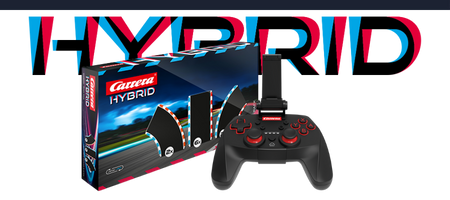
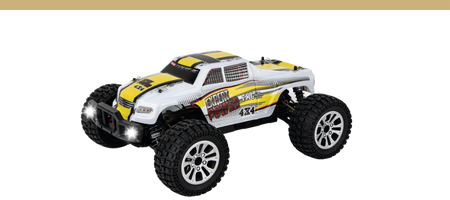
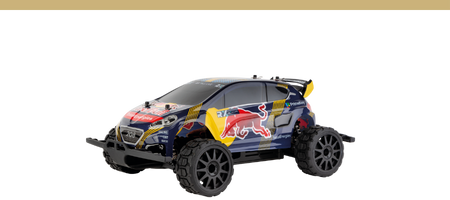
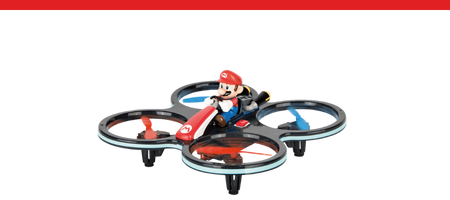

Remote-controlled cars, watercraft, helicopters & much more
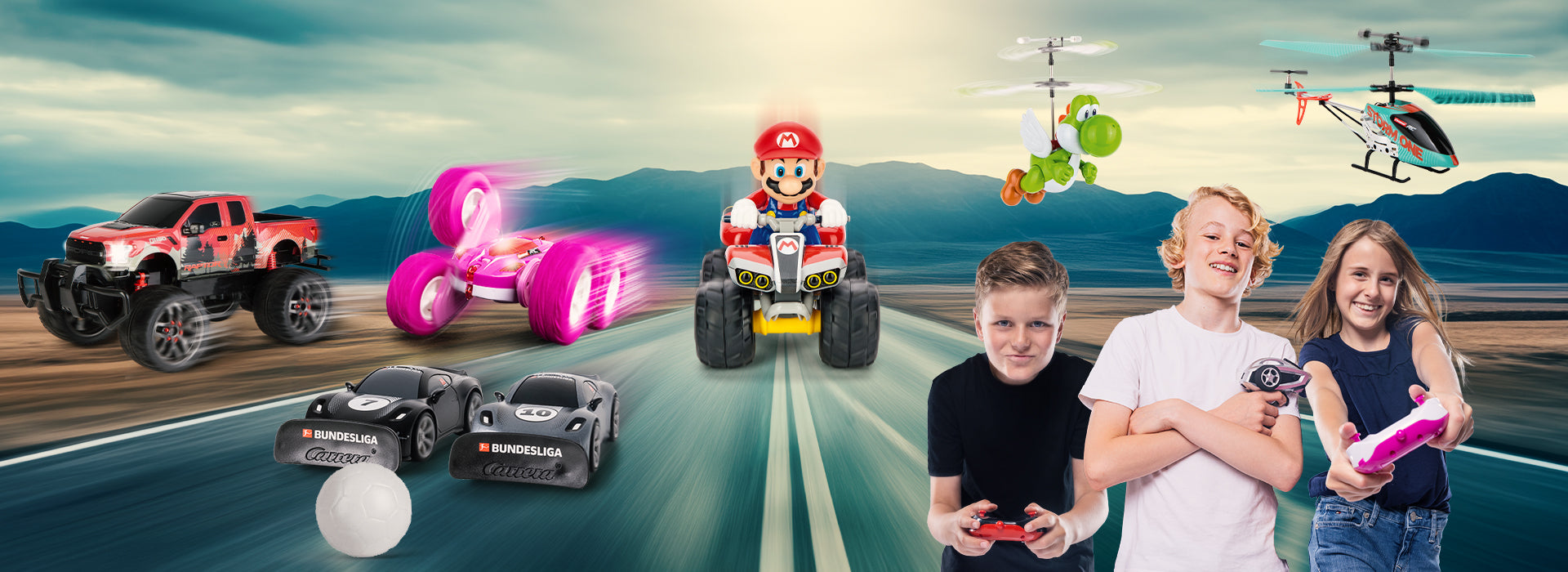
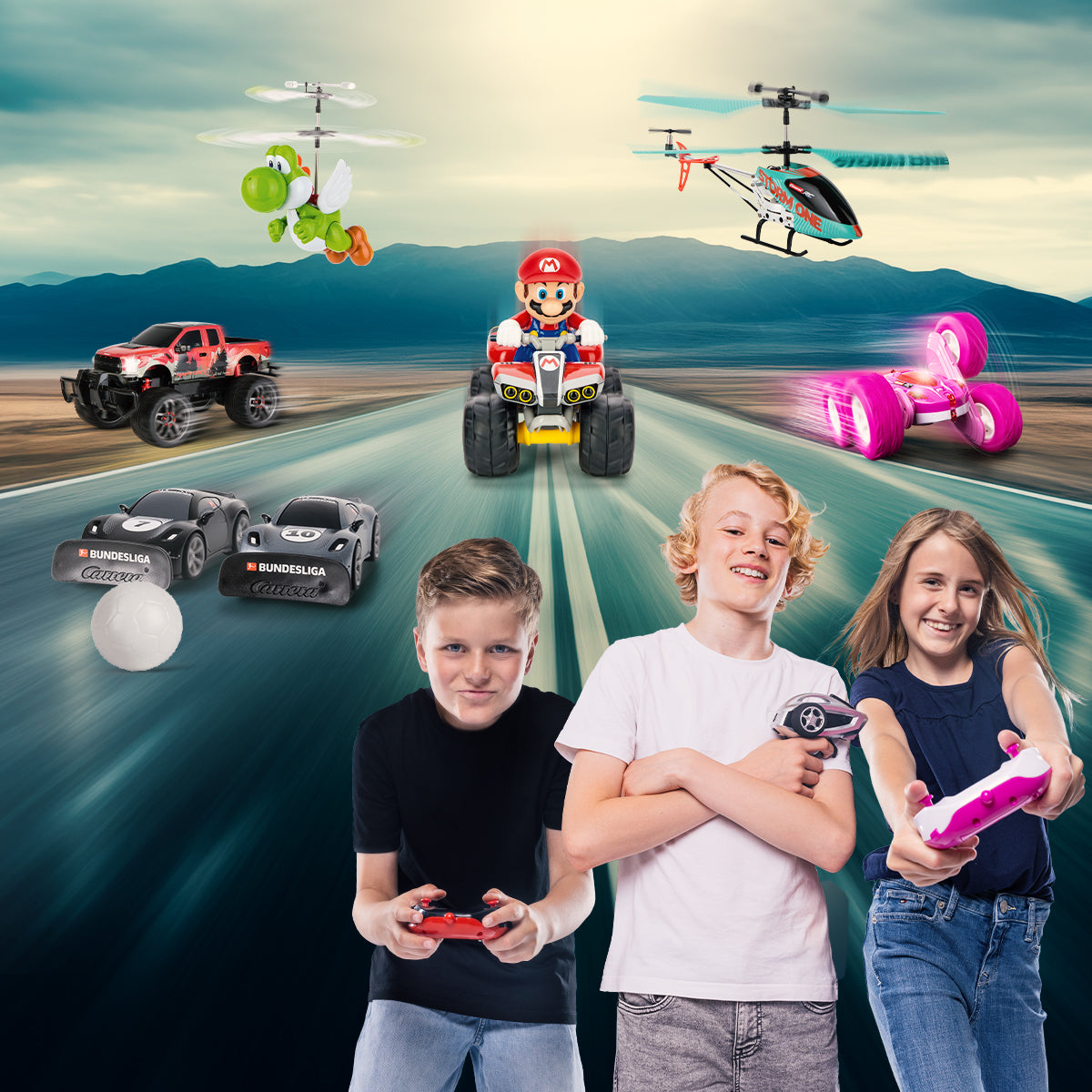
Carrera offers a wide selection of RC models — from buggies and off-roaders to watercraft all the way to quadcopters and helicopters. The Carrera RC vehicles stand out for long run times, high-quality design, and rugged quality. Many remote-controlled vehicles are also “Ready to Run”, so you can get started as soon as you unpack them. Each model comes with its own features and highlights that you can easily identify by the icons . You can find more details about the technology, equipment, and functions on the respective product page.
RC Models at a Glance
Nintendo®

Get started with Nintendo-licensed Carrera RC models on exciting adventures with Mario, Luigi & Co. Whether you're racing mini RC vehicles or action-packed aircraft, Nintendo gaming fun meets real RC action. Many models are “Ready to Run”, so you can get started as soon as you unbox them. Even better: with the mini RCs, you can race and even stage real duels with multiple vehicles. Quadcopters also bring exciting adventures to the skies, bringing Mario magic to the playroom or outdoors. Easy controls make Nintendo RC models ideal for fans of all ages—perfect for fast races, cool maneuvers and loads of fun. Ready for your next Mario adventure with Carrera RC?
- Officially licensed by Nintendo
- Mini RCs & Aircraft
- Ready to Run
Sonic the Hedgehog ™
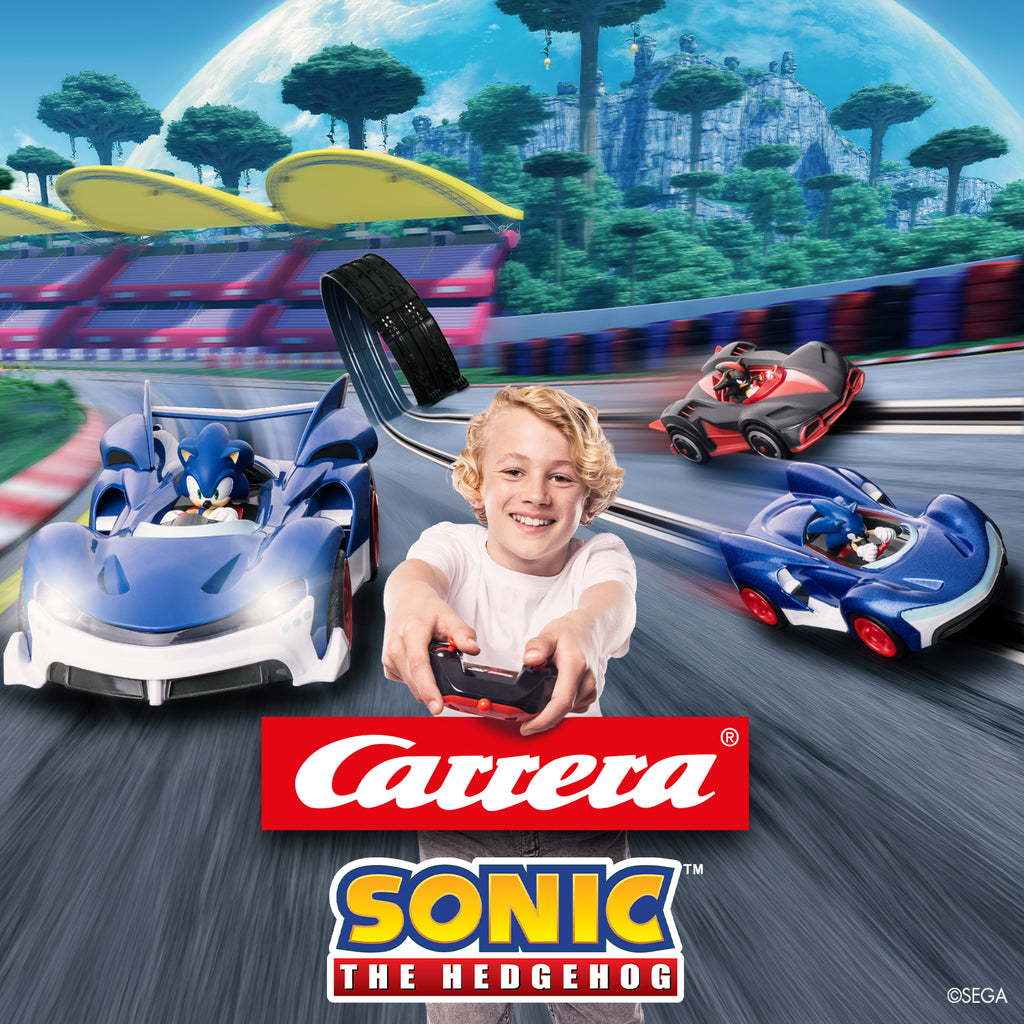
Join Sonic and his friends for high-speed adventures full of action with Carrera RC. The licensed Sonic RC models bring this iconic character straight to your home—perfect for exciting races in the living room, on the patio or outdoors. Many vehicles are “Ready to Run” and include everything you need to get started. Easy, precise controls make these models suitable for fans of all ages and deliver instant driving fun. Challenge your friends to exciting duels and show them who the fastest hero is—just like in the world of Sonic. Whether it's fast sprints, tight turns or spontaneous races, put the pedal to the metal with Sonic and set every track ablaze. Are you ready to speed across the finish line first with Sonic?
- Scale 1:10 / Off-road
- Sonic, Tails & Friends
- Ready to Run
Carrera Expert RC
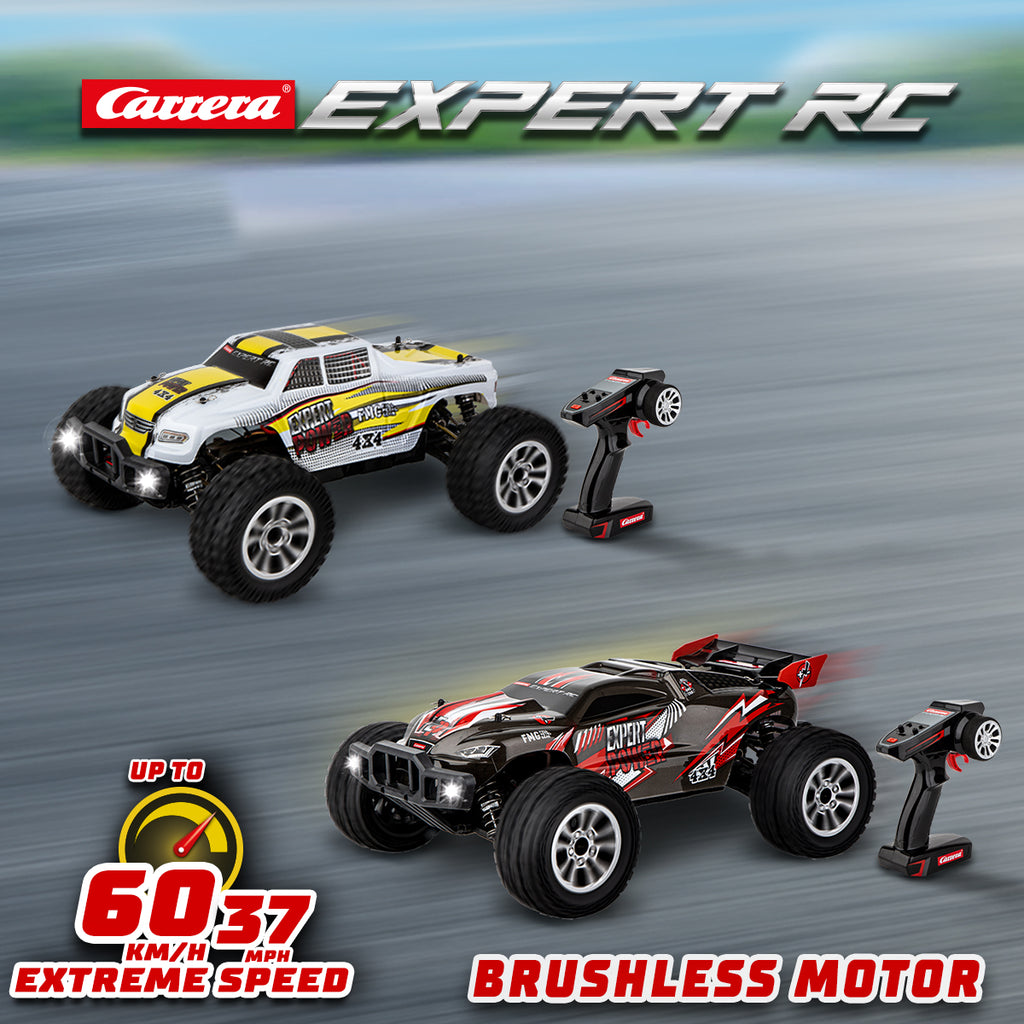
Discover the Carrera Expert RC line – perfect for you if you value rugged technology and genuine off-road power when driving RC cars. These high-quality remote-controlled cars in 1:10 scale are made for demanding drives on gravel, grass and rough terrain. Equipped with four-wheel drive, oil-filled shock absorbers, a powerful servo and metal gears, they deliver control and stability even at high speeds. Many models are splash-proof and can be maneuvered precisely thanks to digital proportional control. For even more performance, some models can also be upgraded with brushless components. Ideal for drivers aged 14 years and up – “Ready to Run,” including controller, battery and accessories.
- Up to 60 km/h
- Aged 14 years and up
- Ready to Run
Carrera Profi RC
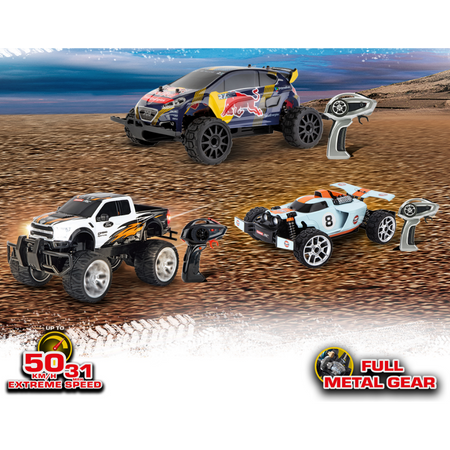
Discover the Carrera Profi RC series – ideal for you if you’re a speed enthusiast aged 14 and up. Your remote-controlled cars can reach speeds of up to 50 km/h, equipped with oil-filled shock absorbers, all-wheel drive, and metal gears. Every model offers splash protection and precise control thanks to digital proportional technology. They are “Ready to Run” and perfect for fast-paced races on asphalt or gravel. Thanks to short battery charging times and long runtimes, the Profi RC models are ideal for spectacular races. The powerful LiFePo4 batteries turn any road into a race track – perfect for teenagers and adults aged 14 years.
- Up to 50 km/h
- Ages 14 and up
- Ready to Run
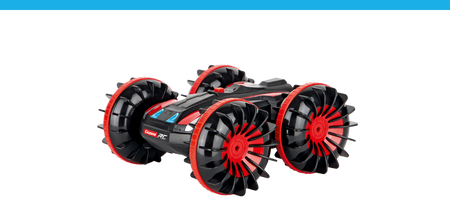
Carrera Turnator
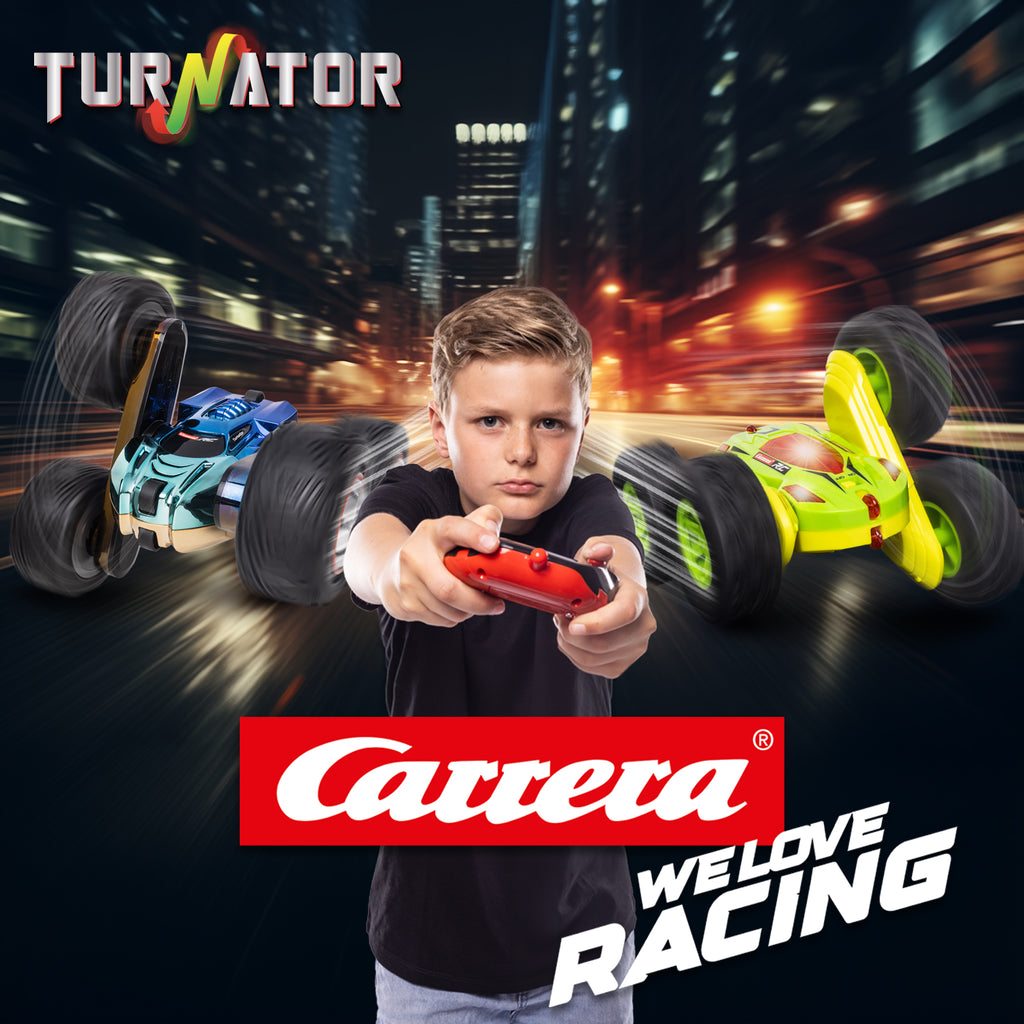
The Carrera Turnator is just right for you if you love stunts, action and an RC vehicle with a wow factor. Its large wheels enable spectacular maneuvers: the Turnator can spin on the spot at full speed, delivering an impressive 360 degrees of action. A real highlight is the axles, which can turn in opposite directions – making flips possible at the push of a button. So you can always stay in control, the models have two different body designs, making it easy to see which way the vehicle is facing. The Turnator is ideal for drivers aged 6 years and offers plenty of driving fun indoors and outdoors. Perfect for anyone looking for a remote-controlled car that can do more than just drive straight.
- Up to 20 km/h
- Ages 6 and up
- Splash-proof
Carrera Action Vehicles
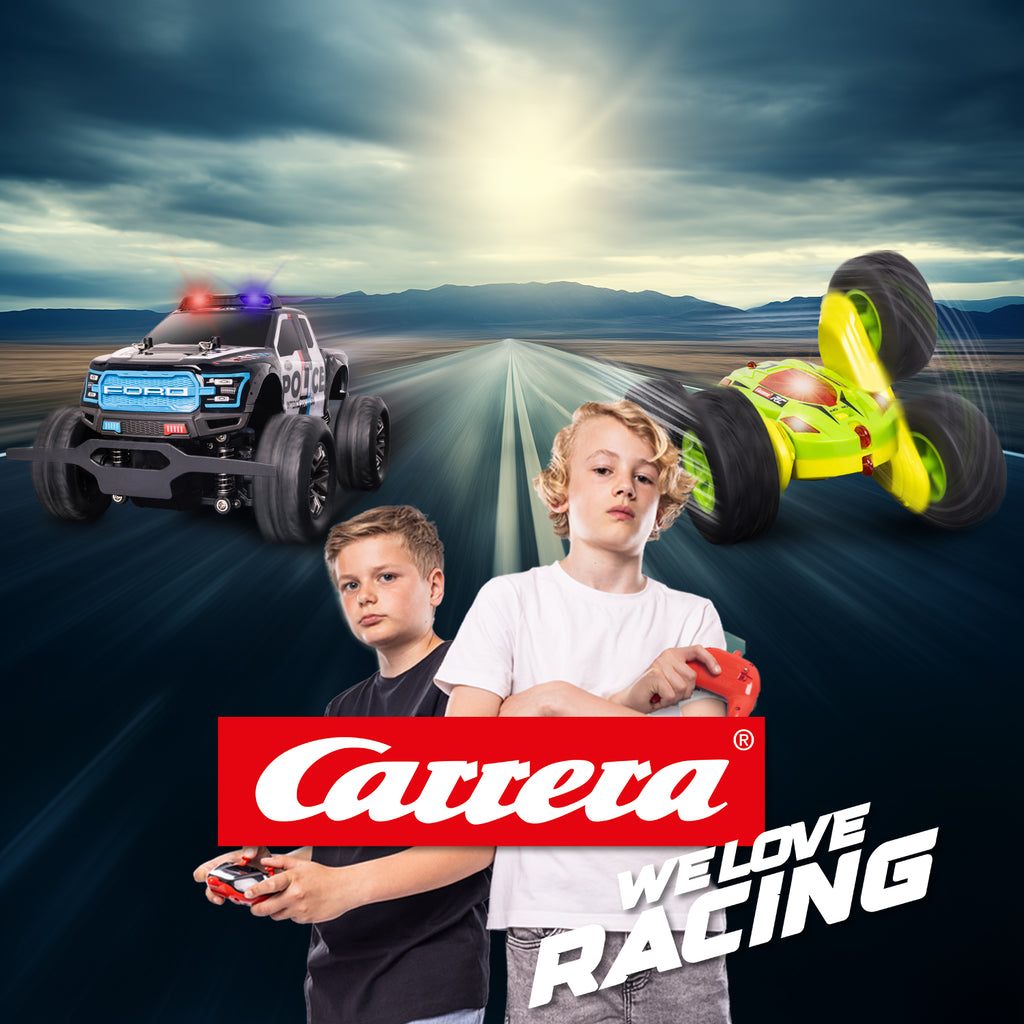
With Carrera Action you get RC fun that starts right away – ideal for anyone who wants action without a lengthy setup. Starting at 6 years old the cool-looking models deliver an adrenaline rush, whether indoors, outdoors, or on the go. Many vehicles are “Ready to Run” and include everything you need: a controller, battery, and charging cable are included, depending on the set. Some models even offer special features and are made for extra adventures – perfect for spontaneous races or action-packed everyday drives. With their robust construction and easy controls, Action vehicles also make great gifts. Whether you’re after speedy maneuvers, cool designs, or a hassle-free start: Carrera Action turns any place into a playground.
- Up to 20 km/h
- Ages 6 and up
- Ready to Run
Carrera RC AIR
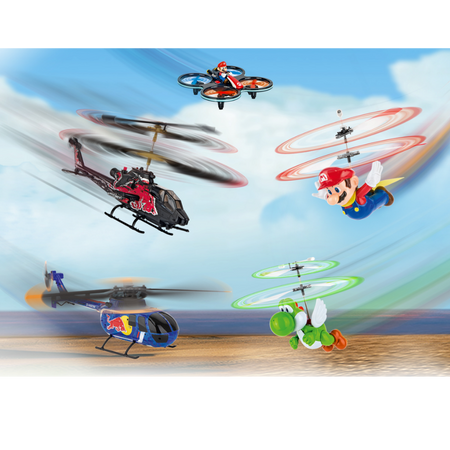
With Carrera RC AIR you take off and experience flying fun on a whole new level. Whether it’s a helicopter or a quadrocopter – the models are designed to be fun right away for beginners and experienced pilots alike. Features such as automatic altitude control, as well as auto takeoff and landing, make flying especially comfortable and help ensure stable flights. Enjoy exciting maneuvers even if you’re still a beginner. Many models are “Ready to Fly” and come with a controller, battery and charging cable included. Whether you’re flying in the living room, in the garden or outside – Carrera RC AIR brings you action-packed flying adventures and plenty of variety.
- Automatic altitude control
- Digital proportional control
- Ages 12 and up
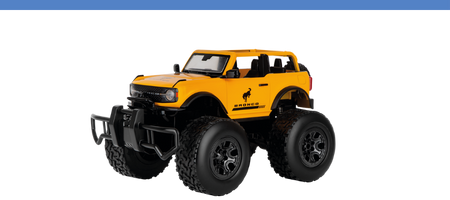
Carrera Off-road RC
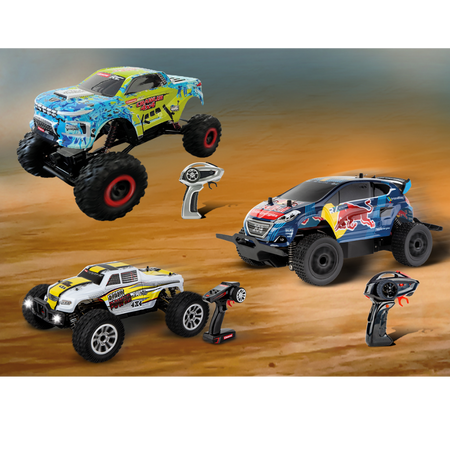
The Carrera RC off-road vehicles are perfect for you if you enjoy going off the beaten track and love action on rough terrain. Whether it’s muddy trails, dusty hills or gravel tracks, these remote-controlled off-road cars are made for every challenge. Durable bodies, fully sprung suspension, grippy tires and splash protection make for driving fun in almost any weather. Many models also impress with eye-catching designs, often inspired by well-known vehicle brands. Their sturdy construction makes them ideal for outdoor adventures and long drives. Best of all, many vehicles are ready to go right out of the box – unpack, switch on and drive.
- Up to 25 km/h
- Splash-proof
- Ages 8 and up
Carrera RC SEA
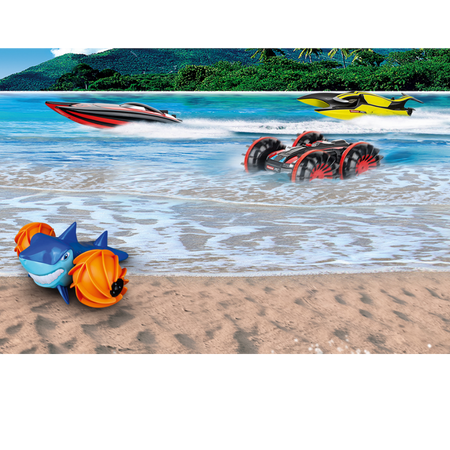
With Carrera RC SEA experience action on the water and add variety to your RC adventures. These models are ideal for anyone who loves fast rides and exciting races on the water. Powerful motors and robust construction ensure reliable performance, while safety features such as protected propellers make handling safer. The controls are simple and precise, so beginners can get to grips with them quickly. Whether at a lake, pool or on calm waters, Carrera RC SEA delivers plenty of fun and summer action. Many models are “Ready to Run” and include everything you need to get started.
- Up to 25 km/h
- Ages 14 and up
- Ready to Run
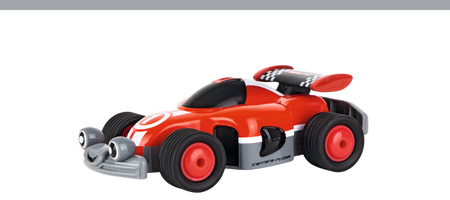
Carrera RC Pre-School
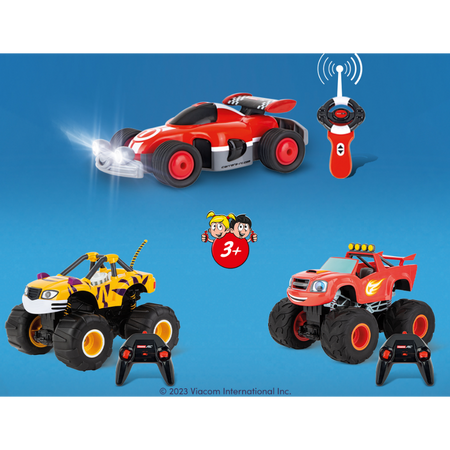
With Carrera RC Pre-School even the youngest children can start their first RC adventures. These models are specially designed for children aged 3 years and offer easy operation and child-friendly designs. Thanks to the simple controls, little drivers can easily steer their vehicles forwards, backwards, left and right. Whether in a playroom, garden or sandbox, these robust little speedsters are ideal for everyday play and bring smiles to young faces. Popular themes such as monster trucks, construction vehicles and red racers make choosing a model especially exciting. Many models are “Ready to Run” and make perfect gifts for birthdays, Christmas or Easter.
- Up to 10 km/h
- Ages 3 and up
- Ready to Run
Carrera RC Buggy
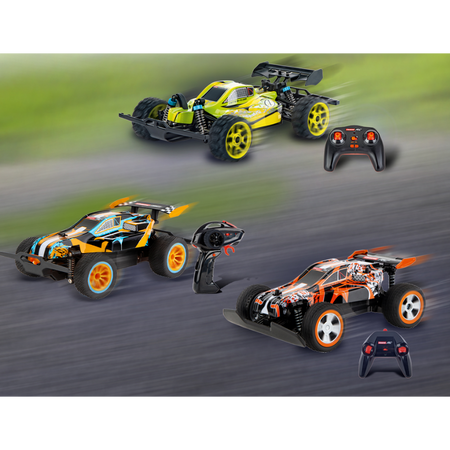
A Carrera RC Buggy is the perfect choice if you’re looking for sporty design and dynamic driving fun. These buggies impress with lightweight, robust construction and are made for fast driving on a range of surfaces. Fully independent suspension and differential gears provide control and grip—whether you’re accelerating flat out on a straight or drifting through corners. Many models are splash-proof, making them ideal for outdoor adventures. Depending on the series, they reach impressive speeds and deliver a real racing feel. With an ergonomic controller and powerful battery, you’re always in precise control of the vehicle. Perfect for anyone looking for an RC car that combines speed, handling, and style.
- Up to 50 km/h
- Splash-proof
- Ages 14 and up
Caterpillar
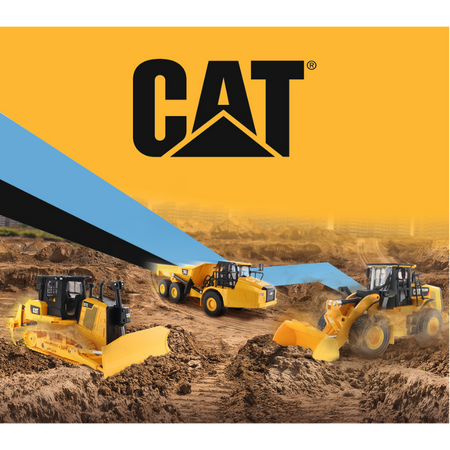
With remote-controlled Caterpillar RC vehicles, you’ll be in charge of the construction site. Whether it’s an excavator, bulldozer, or dump truck, these highly detailed models bring the excitement of large construction machines right to your home. A range of scales means you can find the right model for every age and use. Easy full-function controls make the construction vehicles simple to operate: forward, reverse, left, and right. Whether in the sandbox or the playroom, these robust machines are ready for plenty of adventures. Their distinctive yellow designs create an authentic construction-site look and make every play session even more realistic. Ideal for anyone who loves technology and construction-site action.
- Splash-proof
- Ages 8 and up
- Ready to Run
Top Features of Our RC Vehicles



Frequently asked questions
Couldn't find the answer you were looking for in the FAQ, or want to learn more about our RC products? Our customer service team is here to help with expert, personal support—quickly and competently. Whether you have questions about technical details, spare parts, or usage tips, we're here for you.
Around-the-clock support
Phone
Contact
RC general
Both controllers and replacement parts for controllers (antennas, joysticks, joystick extensions and battery compartment covers) are available in our online shop .
Please note that antennas are not included with the controllers. They can be purchased in our online shop .
No, please use only the original Carrera RC Li-ion rechargeable batteries. This is the only way to ensure proper operation. You can find all rechargeable batteries and compatible chargers in our online shop.
For 2,4 GHz D/P models Please follow this start-up sequence:
1) Switch on the transmitter
2) Then switch on the model.
After driving or flying, please switch off the devices in the reverse order.
For 27 MHz models Please check whether the transmitter antenna is faulty or has not been fully extended. If another RC model is nearby, check that it is not using the same frequency. If it is, please switch frequencies.
Vehicles
Check that the antenna on the controller is screwed in tightly as far as it will go. Then extend the antenna fully. For the antenna on the vehicle, use the clear antenna tube included in the packaging (depending on the model).
Open the vehicle chassis and clean dust and hair from the axles. Also apply a drop of oil (resin-free and acid-free grease) to the axles.
If you find that the Carrera RC 2,4 GHz DIGITAL PROPORTIONAL vehicle moves forwards or backwards on its own during operation, you can stop it as follows:
1) Turn the vehicle over so that the wheels are in the air.
2) First, switch on the vehicle using the ON/OFF switch. The LED on top of the vehicle flashes rhythmically. Switch on the controller. The LED on the controller flashes rhythmically. After a few seconds, the LEDs on the vehicle and controller remain steadily lit. Binding is now complete.
3) Press the button on the upper right side of the controller for approximately two seconds. Adjustment mode is active as soon as the controller LED flashes. (See image)
4) You can stop the vehicle from moving forwards or backwards using the left joystick.
5) To complete the adjustment process, press the button on the upper right side of the controller again for approximately two seconds. The LED will now remain steadily lit.
Follow these steps if your 2,4 GHz DIGITAL PROPORTIONAL model veers to the right or left:
1) Turn the vehicle over so that the wheels are in the air.
2) First, switch on the vehicle using the ON/OFF switch. The LED on top of the vehicle flashes rhythmically. Then switch on the controller. The LED on the controller flashes rhythmically. After a few seconds, the LEDs on the vehicle and controller remain steadily lit. Binding is complete.
3) Press the button on the upper right side of the controller for approximately 2 seconds. Adjustment mode is active as soon as the controller LED flashes. (See image)
4) You can adjust the straight-line tracking using the right joystick.
5) To complete the adjustment process, press the button on the upper right side of the controller again for approximately two seconds. The LED will then remain steadily lit.
Yes, it is recommended that you clean the Carrera RC vehicle after driving to ensure smooth operation. Please be careful not to use any harsh solvents.
For 2,4 GHz Digital Proportional models:
The Carrera RC vehicle and controller are paired at the factory. If you have trouble connecting the Carrera RC vehicle and controller initially, pair them again. Press and hold the pairing button on the underside of the chassis to pair the Carrera RC vehicle and controller again. The pairing button must be held down for at least 3 seconds. Please note that both the controller and the Carrera RC vehicle must be switched on using the ON/OFF switch.
For 27 MHz models:
Make sure that no one else in your driving area is using the same frequency. To avoid interference and ensure that the controller can communicate with the Carrera RC vehicle, make sure that the vehicle and controller are set to the same frequency (A/B/C). The vehicle's frequency switch is in the battery compartment, while the controller's frequency switch is on top. Using different channels allows 3 vehicles to be driven at the same time.
The controller antenna should be fully extended. Then switch on the Carrera RC vehicle using the ON/OFF switch. The Carrera RC vehicle has two speeds. You can also use the ON/OFF switch to select Training or Indoor mode.
For 2,4 GHz Servo Tronic models:
First switch on the vehicle. The LED on top of the vehicle will then flash rhythmically. Next, switch on the controller. Its LED will also flash rhythmically for a few seconds. Once the vehicle and controller are paired, the status LEDs on both the vehicle and controller will stay lit.
Adjusting the steering: If the Carrera RC vehicle veers to the right or left during use, adjust its path using the adjustment switch on the underside of the vehicle.
Follow these steps to correctly pair your Red Fibre® Carrera® Profi® vehicle (370183002/370183001) with the controller:
1) First, switch on the vehicle
2) Next, switch on the controller. When the LEDs on both the vehicle and the controller stay lit, pairing is complete.
You can find all spare parts and accessories for the various Profi RC models in our online shop by entering your model's name or item number in the search field. The vehicle's product detail page displays all compatible spare parts.
The exploded view makes it quick and easy to identify individual parts. Exploded views are available for Profi models only.
To operate your Carrera Profi RC vehicle, first switch it on using the ON/OFF switch. The LED on the vehicle will flash rhythmically. Then switch on the controller. After a few seconds, the LEDs on the vehicle and controller will stay lit. Pairing is complete.
You can find the ON/OFF switch on the left side of the vehicle, right next to the battery compartment.
A sticker showing the correct frequency is located on the back of the controller and on the vehicle near the drive axle.
Boats
Let the water drain off and dry your boat thoroughly after use. Use ordinary tap water to clean your boat. Treat the water sensor contacts regularly with vinegar cleaner to prevent corrosion. Make sure the vinegar cleaner does not come into contact with the propeller or rudder. This could cause permanent damage.
How to drain your boat properly:
Falshöft Coast Guard Boat (301001/301005)
After each trip, open the two drain plugs at the bow and stern and drain any condensation that has accumulated. Be sure to put the drain plugs back in their designated openings before each trip.
Ferrari Arno XI Boat (300005)
There is a drain plug at the stern. Open it after each trip to drain the condensation. Be sure to put the drain plug back in its designated opening before each trip.
Power Wave (300001)
On the underside of the boat, you will find the drain button between the propeller and the sensor. Press it in with a blunt object until the condensation has drained out of the boat. The drain button is spring-loaded and will automatically return to its original position when you stop pressing it.
Please note that, for safety reasons, pairing is only possible in water. When starting up, turn on the controller first, then the boat. After use, follow the reverse order: turn off the boat first, then the controller.
Our boats are suitable for use in fresh water with normal to moderate waves.
If your boat nevertheless comes into contact with polluted or salt water, it must then be cleaned thoroughly with ordinary tap water.
If your boat or vehicle battery is connected correctly and charging normally, the red LED will remain steadily lit. When the battery is fully charged, the red LED will turn green. The battery can then be removed and installed in the vehicle or boat.
Aircraft
If your micro quadcopter (502002) won’t take off even though the battery is fully charged, please check that the 4 rotor blades are arranged correctly. The letters are embossed on the top of each rotor blade. Make sure the A/D rotor blades and the B/C rotor blades are positioned correctly.
Before your first flight, please check whether model aircraft are legally required to be insured in your country. Further information is available from the German Model Aviation Association. You must not do the following with your model aircraft: - Fly near airports without permission (minimum distance: 1,5 km) - Fly over crowds, military facilities, hospitals, power plants or prisons - Always keep the aircraft in direct line of sight. - Flying in windy or bad weather, or under the influence of drugs or alcohol, is prohibited.
Please follow these steps in order to properly bind the controller to your helicopter:
1. Turn on the helicopter.
2. Turn on the controller.
Exception: For the Sky Hunter (501001) and Red Eagle (501002), follow these steps:
1. Turn on the helicopter
2. Press the right control stick on the controller, then turn it on.
Applies to the following helicopters:
Thunder Storm (501004)
Helicopter (501007)
Green Chopper (501003)
Orange Sply (501005)
Green Vecto (501008)
Red Buzzer (500001)
Micro Helicopter (502001)
Correct trim is essential for stable helicopter flight. Adjusting it requires a little patience and a light touch.
Please follow these instructions:
Carefully move the throttle lever on the controller upward and let the helicopter rise to a height of approximately 0,3 to 0,8 meters.
If the helicopter turns left or right on the spot while hovering, without you moving the tail yaw control lever, proceed as follows: If the helicopter turns left on its own, quickly or slowly, press the lower-right tail yaw trim on the controller gradually to the right. If the helicopter turns right, press the tail yaw trim gradually to the left.
If the helicopter flies forward or backward while hovering, without you moving the forward/backward control lever, proceed as follows: If the helicopter moves forward on its own, quickly or slowly, press the upper-right forward/backward trim on the controller gradually downward. If the helicopter moves backward, press the forward/backward trim gradually upward.
Applies to the following helicopters:
Sky Hunter (501001)
Spider Fox (501006)
Correct trim is essential for stable helicopter flight. Adjusting it requires a little patience and a light touch.
Please follow these instructions:
Carefully move the throttle lever on the controller upward and let the helicopter rise to a height of approximately 0,3 to 0,8 meters.
If the helicopter moves left or right while hovering, without you moving the left/right tilt control lever, proceed as follows: If the helicopter moves sideways to the left on its own, quickly or slowly, press the lower-right left/right tilt trim on the controller gradually to the right. If the helicopter moves to the right, press the left/right tilt trim gradually to the left.
If the helicopter turns left or right on the spot while hovering, without you moving the tail yaw control lever, proceed as follows: If the helicopter turns left on its own, quickly or slowly, press the lower-left tail yaw trim on the controller gradually to the right. If the helicopter turns right, press the tail yaw trim gradually to the left.
If the helicopter flies forward or backward while hovering, without you moving the forward/backward control lever, proceed as follows: If the helicopter moves forward on its own, quickly or slowly, press the upper-right forward/backward trim on the controller gradually downward. If the helicopter moves backward, press the forward/backward trim gradually upward.