












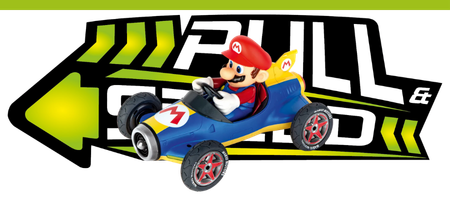
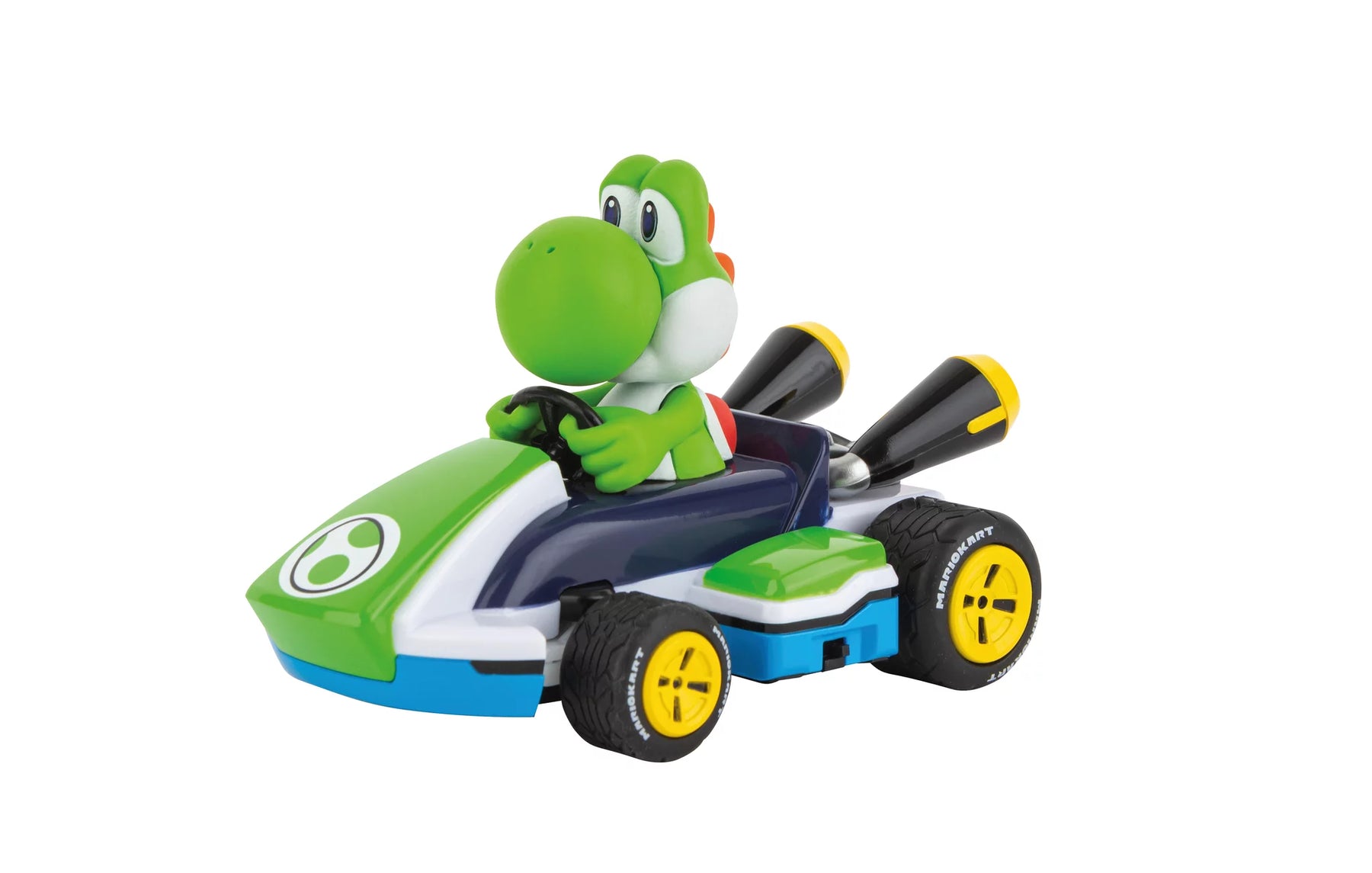
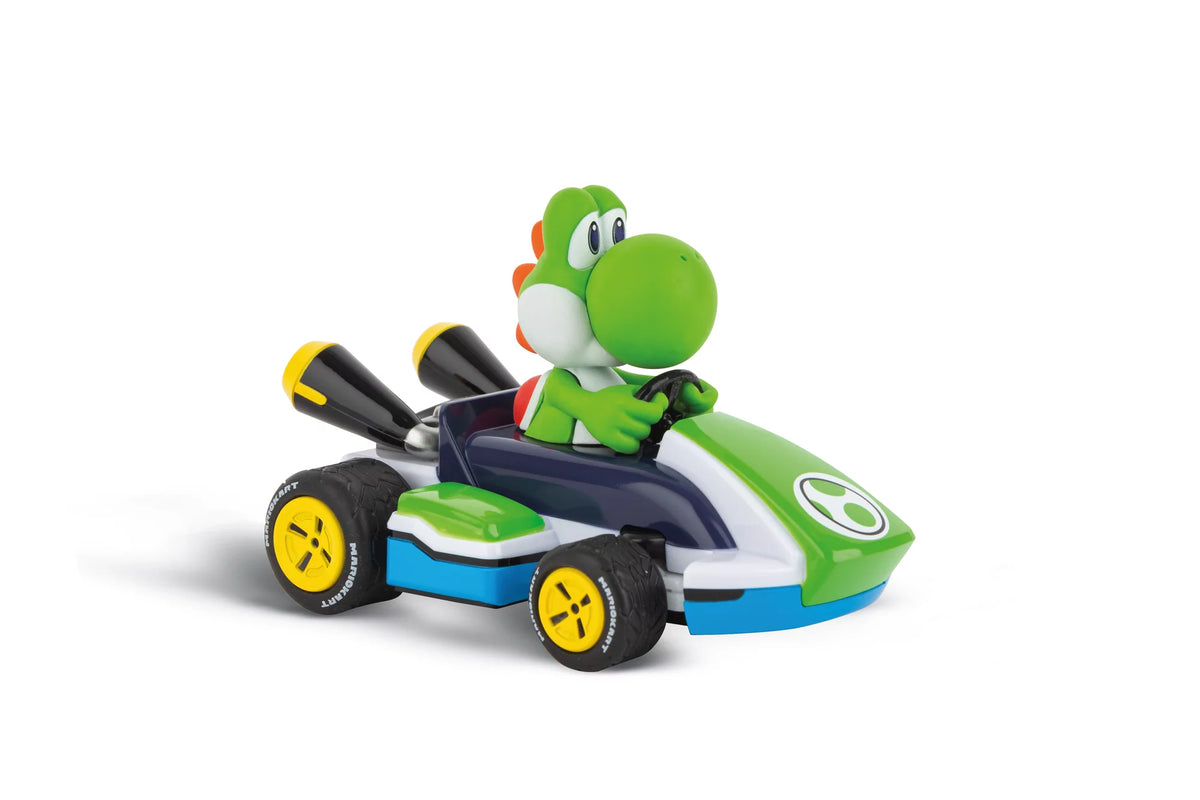
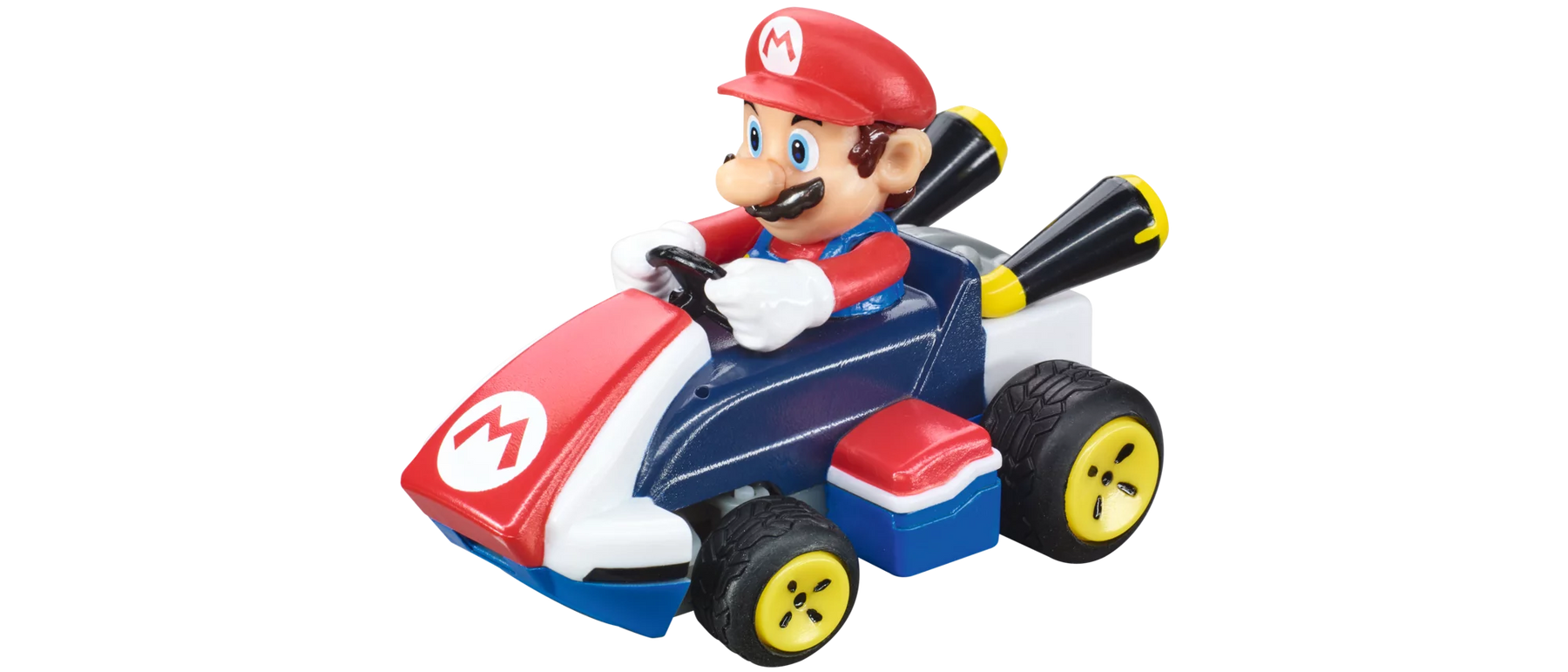
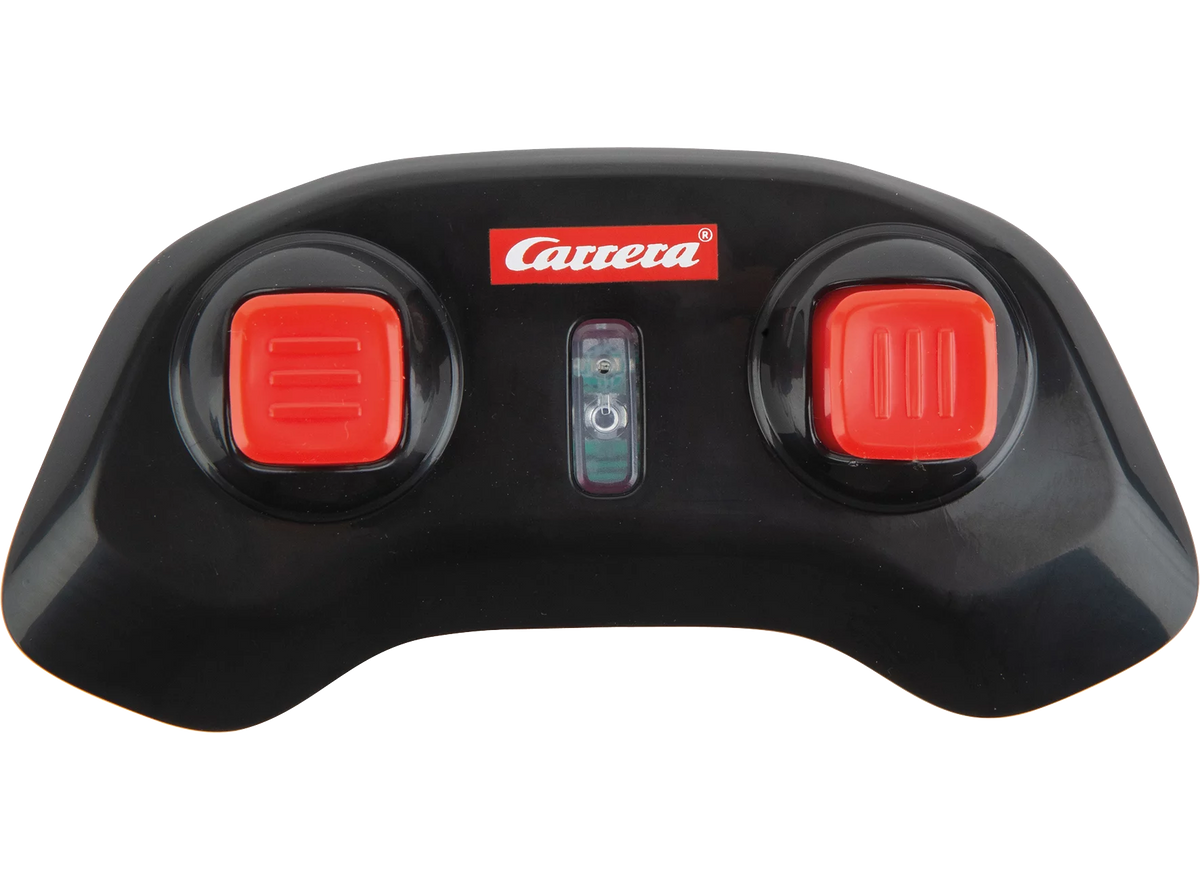
Full speed ahead with Mario, YoshiCo.

With the original licensed vehicles from the world of Super Mario™ Every racetrack becomes a digital adventure! Whether in a go-kart, on a motorcycle, or in <tc>Carrera</tc> an RC car—Mario and his friends engage in high-speed races on the track. Colorful, packed with detail, and full of fun!

Mehr über Mario RC

Filter

Filter

Sort by:
Sort by:
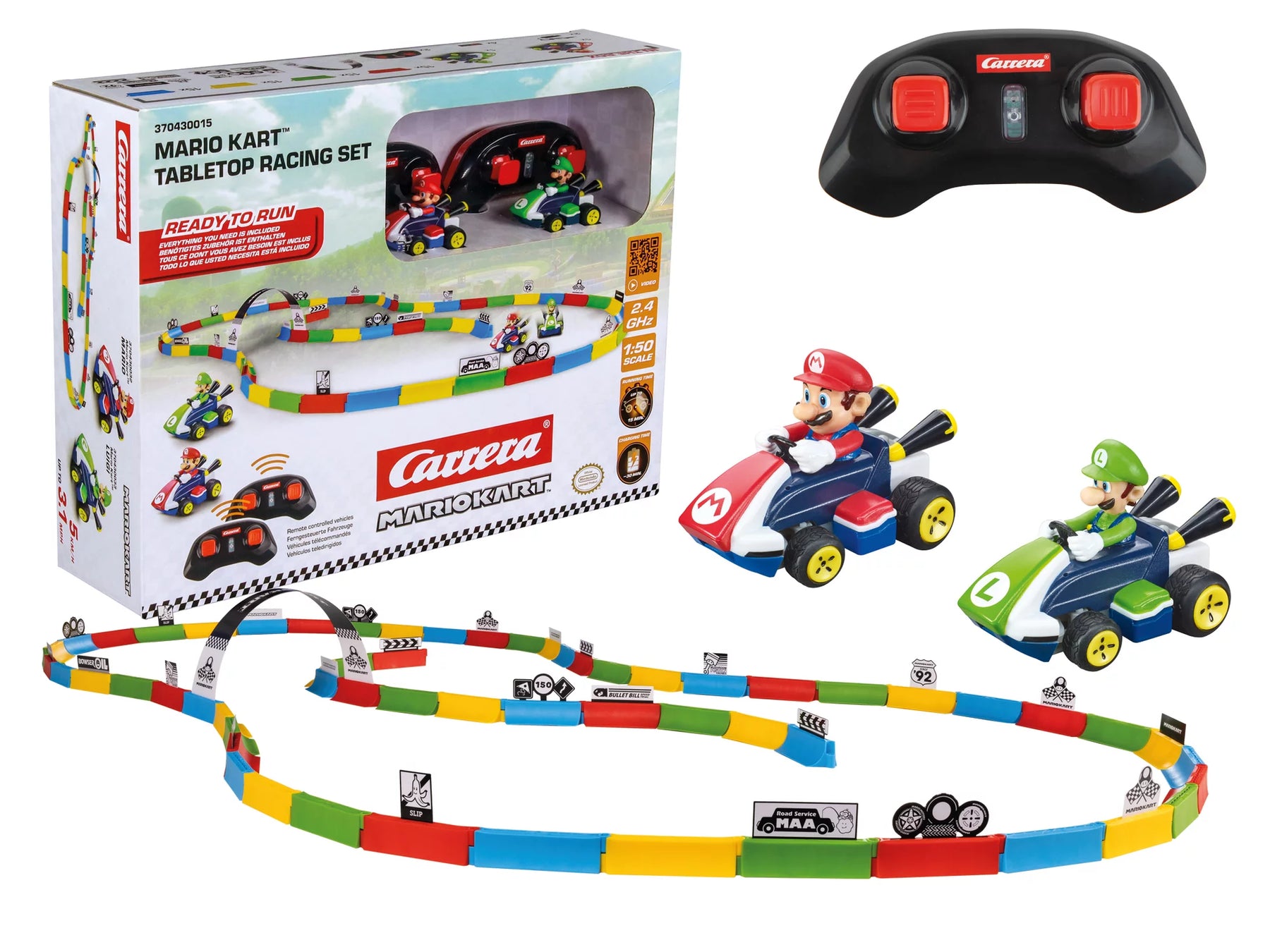
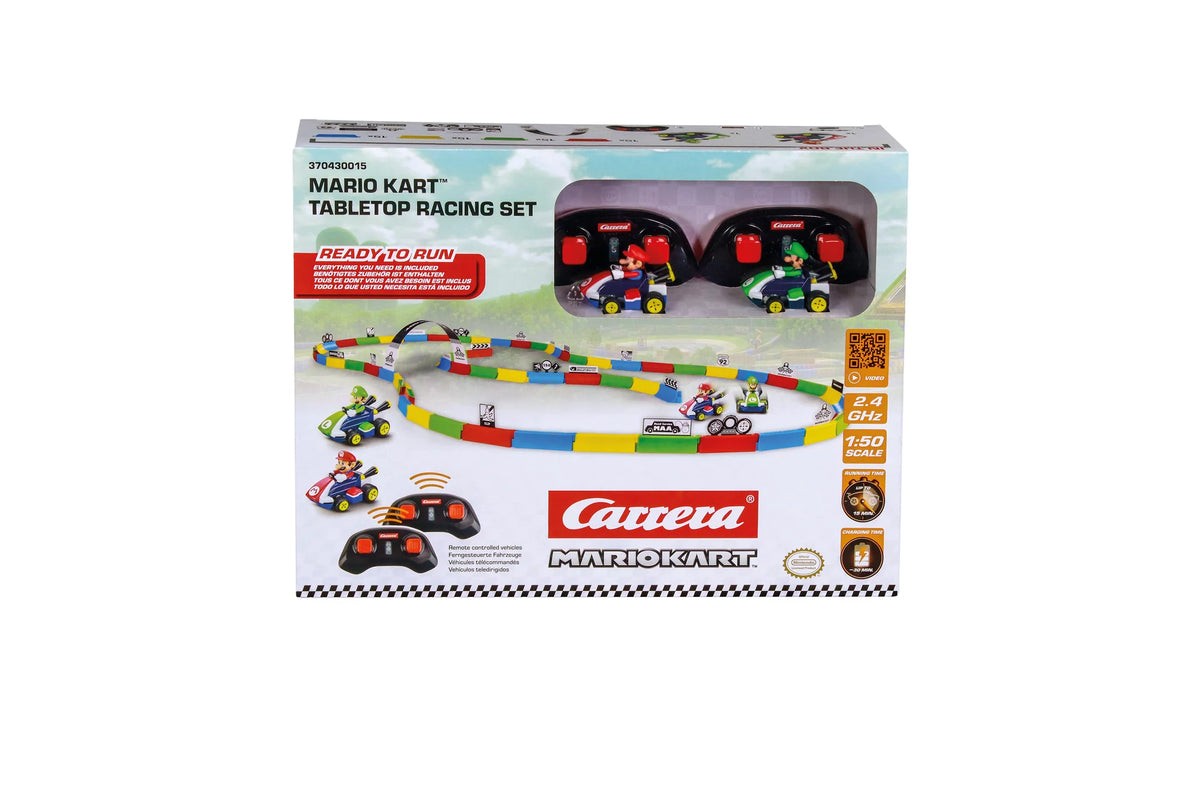
2,4GHz Mario Kart™ Tabletop Racing Set - Mario & Luigi2,4GHz Mario Kart™ Tabletop Racing Set - Mario & Luigi
6+ 6+
Art. Nr 370430015 2.4 GHz Mario Kart™ Tabletop Racing Set - Mario& Luigi
Offer price£49.99 GBP
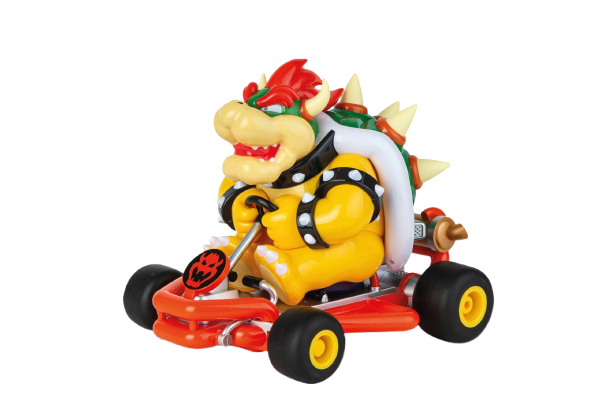
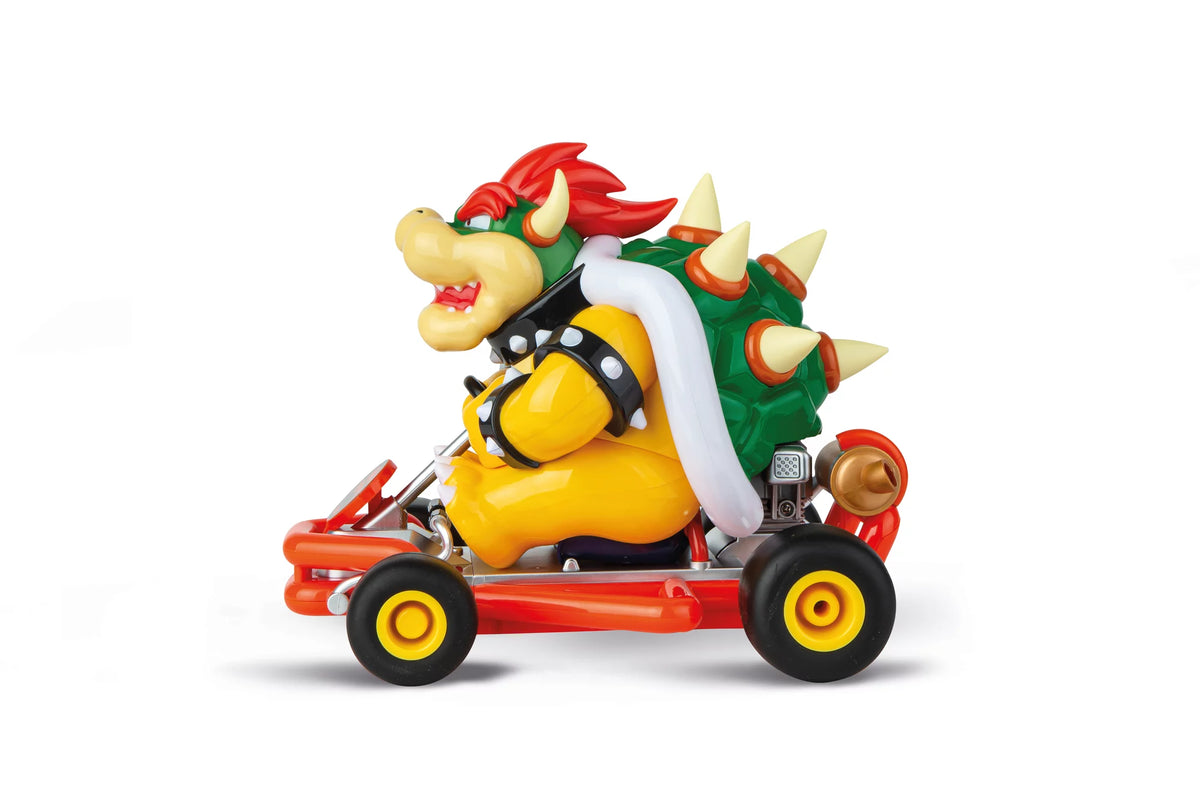
2,4GHz Mario Kart(TM) Pipe Kart, Bowser2,4GHz Mario Kart(TM) Pipe Kart, Bowser
6+ 6+
Art. Nr 370200981P 2.4GHz Mario Kart(TM) Pipe Kart, Bowser
Offer price£49.99 GBP
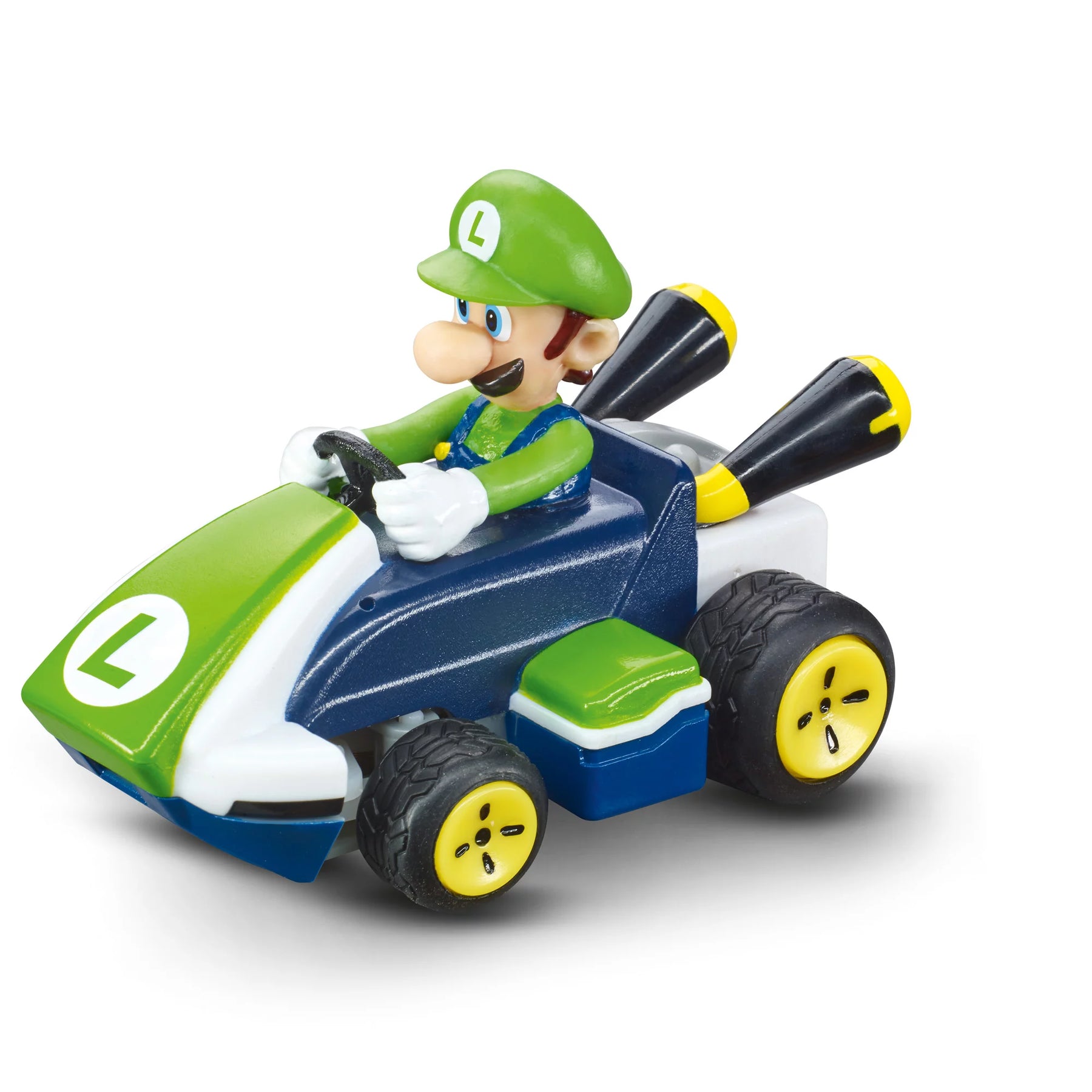
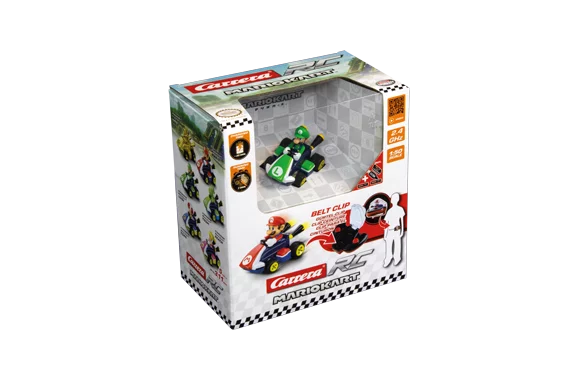
2,4GHz Mario Kart™ Mini RC, Luigi2,4GHz Mario Kart™ Mini RC, Luigi
6+ 6+
Art. Nr 370430003P 2.4GHz Mario Kart™ Mini RC, Luigi
Offer price£29.99 GBP
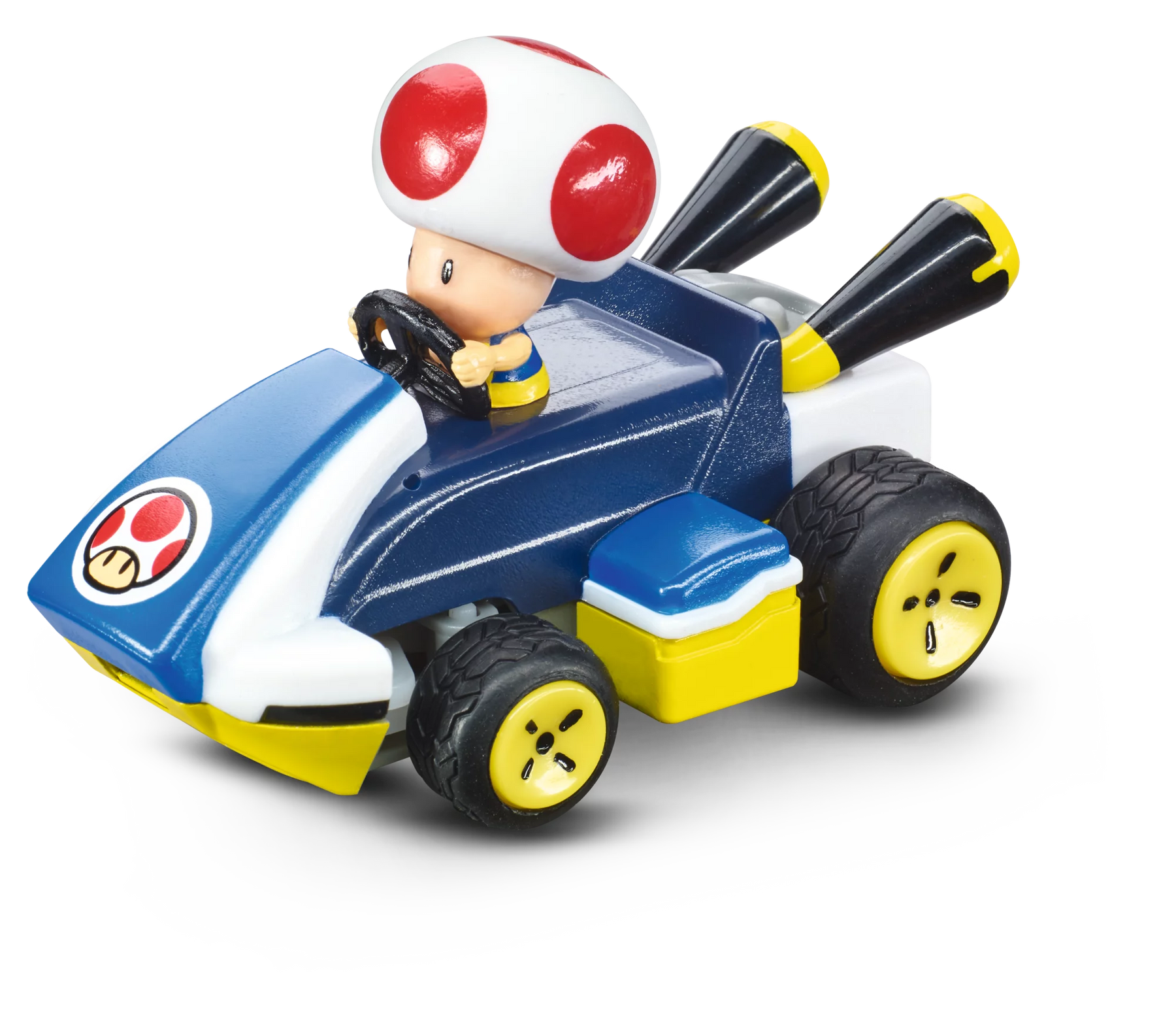
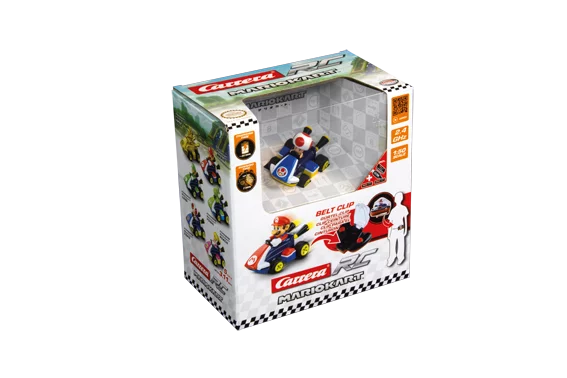
2,4GHz Mario Kart™ Mini RC, Toad2,4GHz Mario Kart™ Mini RC, Toad
6+ 6+
Art. Nr 370430005P 2.4GHz Mario Kart™ Mini RC, Toad
Offer price£29.99 GBP
Bestseller
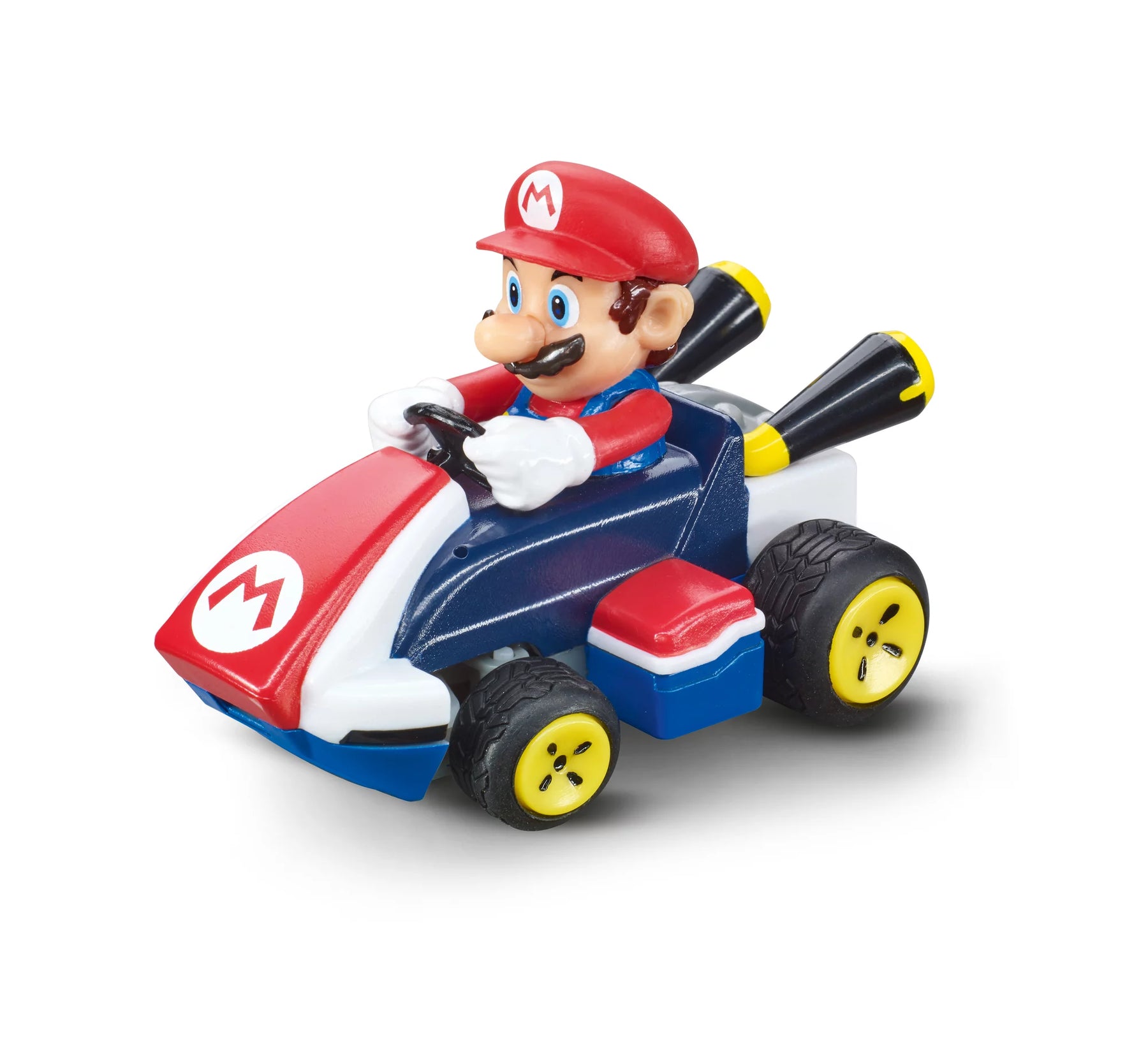
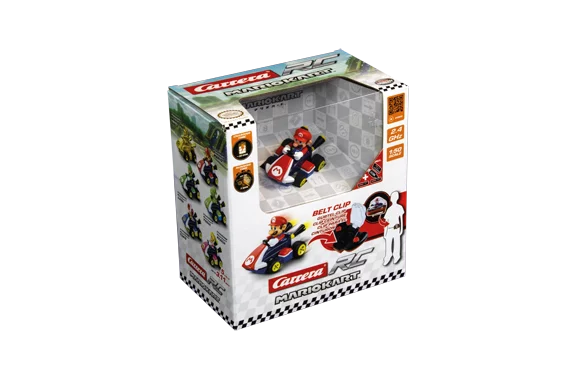
2,4GHz Mario Kart™ Mini RC, Mario2,4GHz Mario Kart™ Mini RC, Mario
6+ 6+
Art. Nr 370430002P 2.4GHz Mario Kart™ Mini RC, Mario
Offer price£27.99 GBP
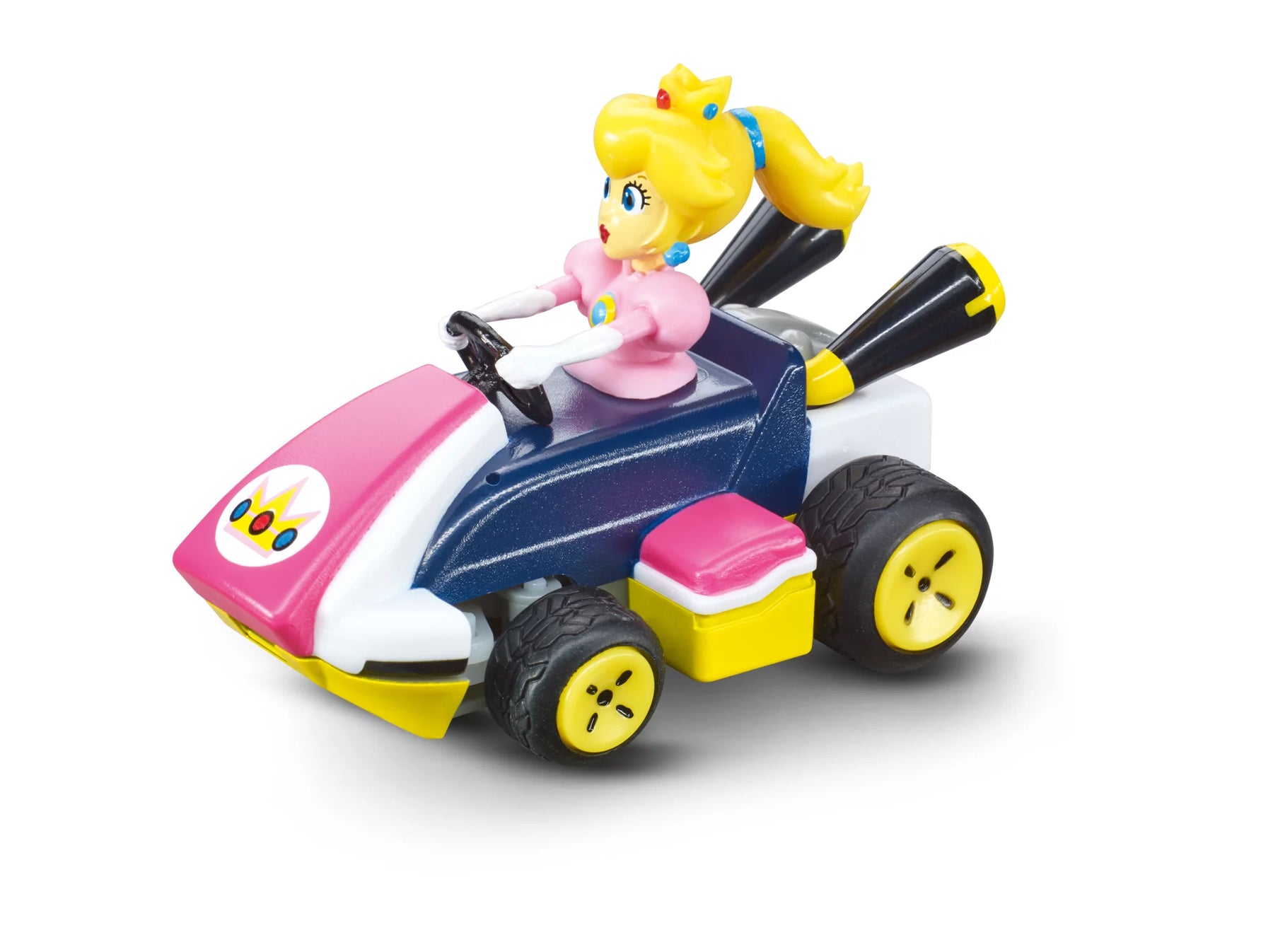
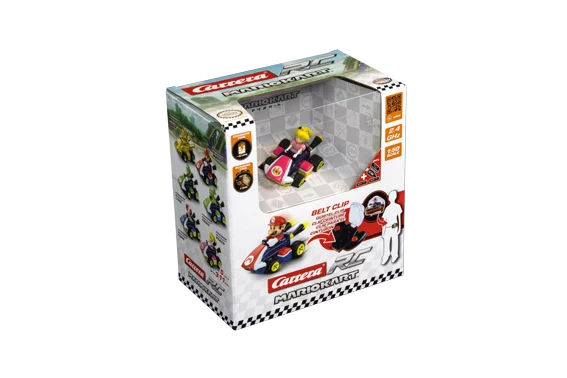
2,4GHz Mario Kart™ Mini RC, Peach2,4GHz Mario Kart™ Mini RC, Peach
6+ 6+
Art. Nr 370430006P 2.4GHz Mario Kart™ Mini RC, Peach
Offer price£29.99 GBP
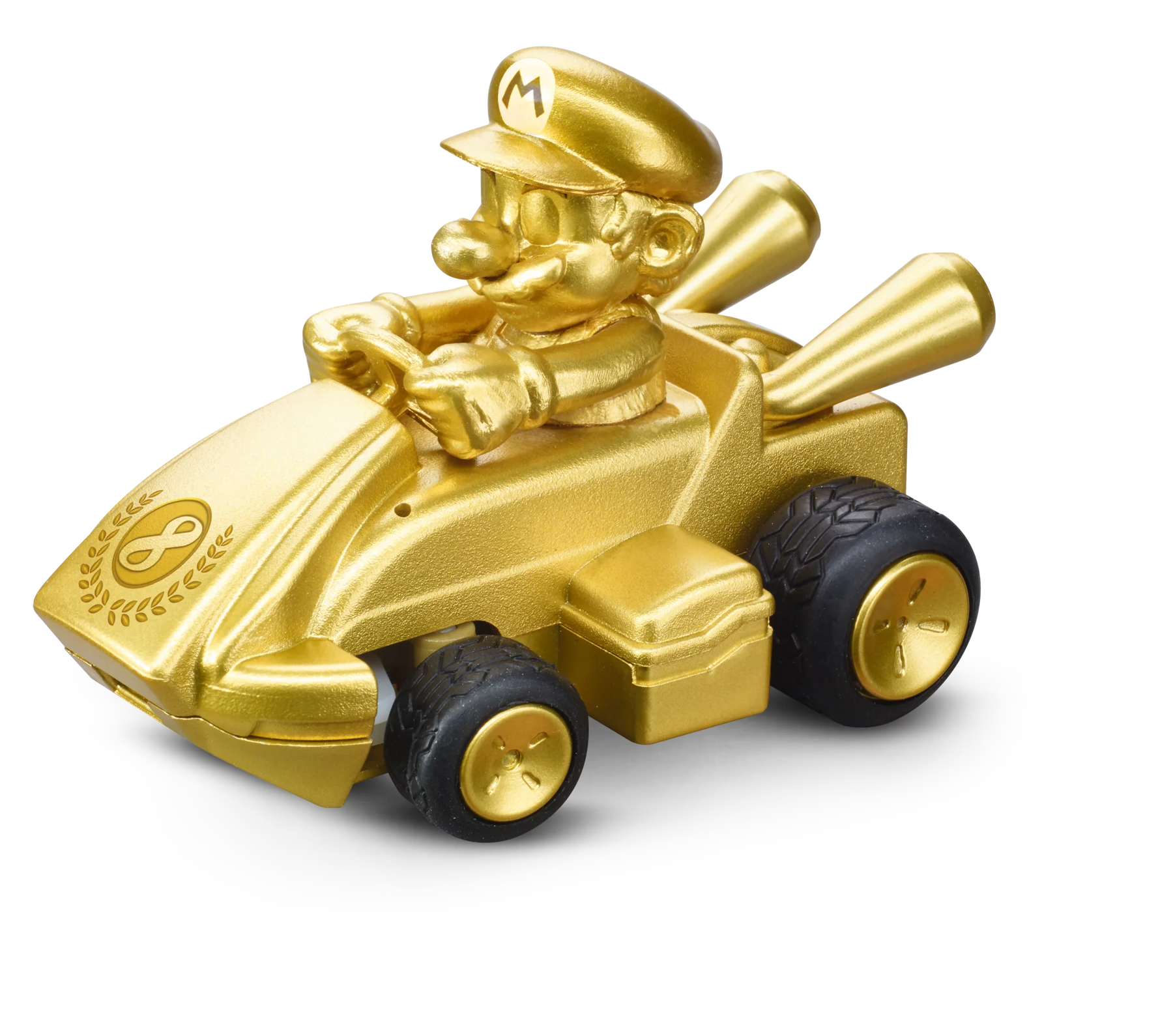
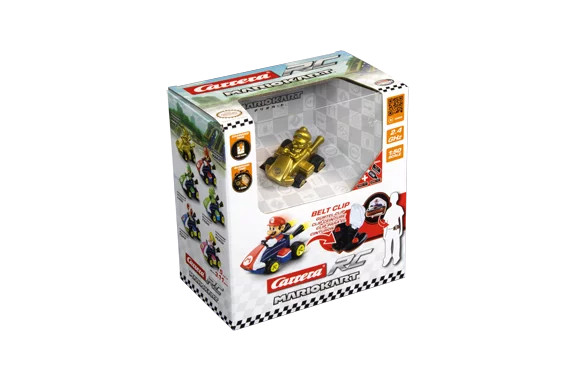
2,4GHz Mario Kart™ Mini RC, Mario - Gold2,4GHz Mario Kart™ Mini RC, Mario - Gold
6+ 6+
Art. Nr 370430001P 2.4 GHz Mario Kart™ Mini RC, Mario - Gold
Offer price£29.99 GBP
2,4GHz Mario Kart™ Race Kart 1:32, Yoshi2,4GHz Mario Kart™ Race Kart 1:32, Yoshi
6+ 6+
Art. Nr 370320002 2.4GHz Mario Kart™ Race Kart 1:32, Yoshi
Offer price£34.99 GBP
2,4GHz Super Mario Odyssey™ Scooter, Mario2,4GHz Super Mario Odyssey™ Scooter, Mario
6+ 6+
Art. Nr 370200992 2.4GHz Super Mario Odyssey™ Scooter, Mario
Offer price£52.99 GBP
2,4GHz Mario Kart(TM) Pipe Kart, Luigi2,4GHz Mario Kart(TM) Pipe Kart, Luigi
6+ 6+
Art. Nr 370200984P 2.4GHz Mario Kart™ Pipe Kart, Luigi
Offer price£49.99 GBP

For gaming fans and little adventurerswho love action

Full Mario power ahead – racing fun with CarreraNintendo!

Probably the most famous brothers in the digital world are already sitting in their karts, waiting to take to the track, road and skies with their friends.

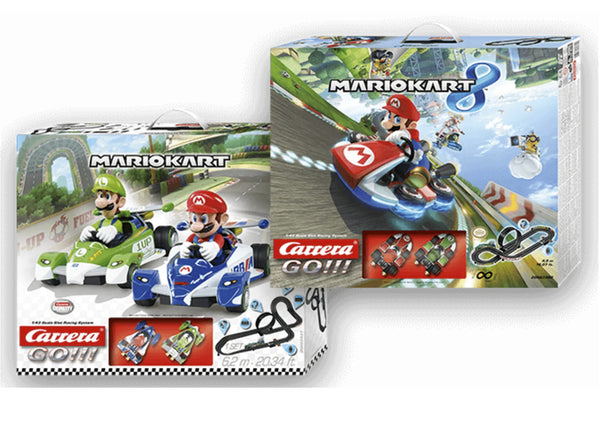
Mario Kart™ Tabletop Racing Set - racing fun at home

Experience the thrill of racing with Mario <tamp>and Luigi in mini form—right on your table! The detailed mini-cars, flexible track pieces, and charming decorations bring the video game experience right into your home—no screen required. The perfect set for little racers and big fans alike. Just set it up and get ready for some exciting races!</tamp>

All About Mario: Race Track Sets andRemote-Control Models

From slot cars to party sets with RC karts: If you like Mario, you'll love the special Nintendo license theme offers in the range!

Super Mario™ makes the race track unsafe

The fast-paced world of Mario, Luigi & Co. is transferred from the virtual game with Nintendo consoles to the racetrack with Carrera: Be there live when it says: "It's me Mario!" and take off with Nintendo Super Mario™ and his friends on the tracks at top speed to the finish line. Because the popular craftsmen are back with new racing cars and are once again going full throttle on the tracks. But one thing is certain: with Mario and his colleagues, the racetrack becomes a special experience. But it's not just an absolute highlight on the Carrera track: the Super Mario™ crew is also at its best in the RC area! From remote-controlled karts and quadrocopters to flying capes, Carrera has it all.

<tamp>Have fun with Carrera&#x27;s Nintendo® Mario Kart™ car racetrack products</tamp>

Have fun with Carrera's Nintendo® Mario Kart™ car racetrack products

Our low prices here are between just 29.95 and 77.95 euros

2-player game: to be played by two, directly with a game set.

FIRST: Driving fun for the little ones - the race track system is particularly suitable for little racers aged 3 and over. Ideal for pre-school children.

GO!!!: Action elements such as loops, steep bends, fly-overs. Any number of track extensions for individual tracks possible.
Immediate haptic gaming experience independent of camera or screens
Very large selection of different vehicles with different characters and tracks

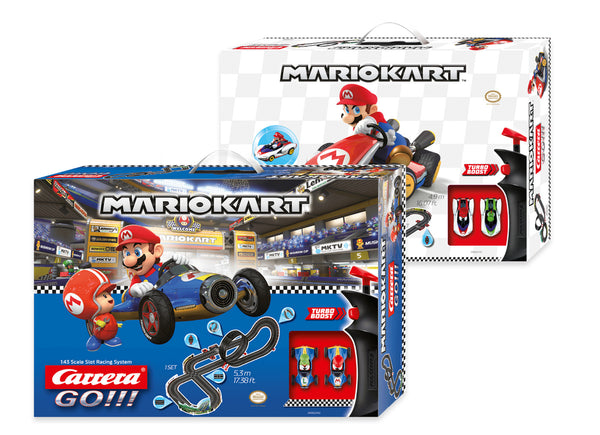
Mario Kart™ as slot cars

Mario Kart™ as slot cars

If you want to expand your racetrack with Mario Karts™, you can of course also buy them individually. The principle is the same: expand the vehicle selection, swap players and play with your favorite kart on the Carrera GO!!! Track against friends, acquaintances and family. This way, the hero squad can drive exciting races in their karts and go all out. The Edition vehicles are finished with great attention to detail and are already waiting in the starting blocks to take to the racetracks at top speed as Mario, Luigi and other characters.
The controller will decide who is the fastest to master the tracks and cross the finish line as the winner!

Super Mario™ sets

Super Mario™ sets

Order, unpack <tamp>, and play at full speed: These complete sets include everything you need to hit the amazing tracks right away. Race cars, track pieces, controllers, and much more are included in these starter sets. Plus, the special decorative elements along the track take the Mario Kart™ experience to the next level. These race cars are in for quite an adventure on the track. Who will master the game best? The thrilling duel is decided on the blazing-hot tracks.
Even the little ones can race on the Carrera track with Mario, Luigi, and other models. The battery-powered Carrera FIRST racetrack system offers a complete set, equipped with a racetrack, handheld controller, and cars designed specifically for children ages 3 and up—perfect for their first foray into the world of motorsports.</tamp>Little racers are guaranteed to love playing with the race track in heavenly blue!
The RC area offers special party sets in Mario design: Equipped with 2 karts, balloons, flags, pylons and Carrera RC caps, every party becomes a unique experience.

Super Mario™ Carrera RC flying fleet

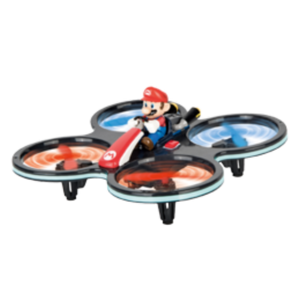
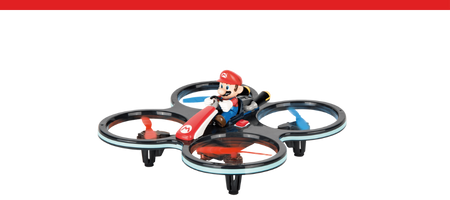
Mario Kart™ takes off: As a quadrocopter, he enjoys his high-altitude flight with a rotor protection cage, a 6-axis gyro system and ensures stable flight behavior. As a Flying Cape, Mario is joined in the air by his best friend Yoshi: from now on, the two of them glide through the living rooms and children's rooms at home with the rotors attached to their backs.

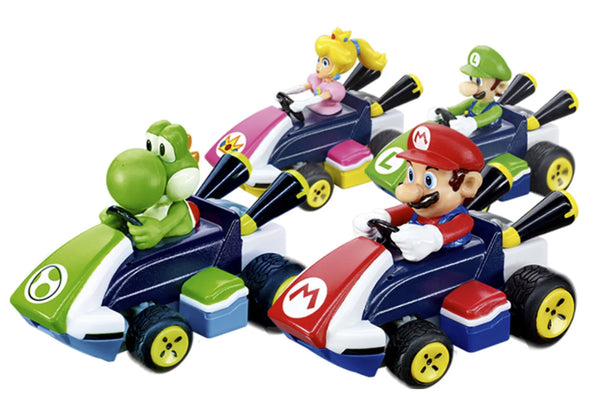
Mario Kart™ Mini RCs

Mario Kart™ Mini RCs

The collector's heart laughs! A total of six speedy mini speedsters from the Carrera RC Garage are waiting for you! Mario and his friends have been competing for many years now. Whether on Nintendo or other consoles, most people will not have missed out on the fun of playing with Mario and Luigi. For all those, our new Mini RCs now offer the opportunity to experience this fun in analog form. Our new Mini RC series offers you the opportunity to bring the various characters from Mario Kart™ to your home. Bring your own Mario, Luigi or many more to life! The small size of the karts means you are always flexible! Place your mini racing car in the designated compartment on your remote control and take it wherever you want. Want a real Mario Kart™ race? No problem thanks to the 2.4 GHz technology, up to 16 people can race together. All speedsters are "Ready to Run" and can go on an exploration tour in the children's room for up to 7 minutes straight out of the box. The practical USB charging cable can be plugged in for 20 minutes before the exciting adventures of the Nintendo heroes continue. You've never played Mario Kart™ like this before! So, will Mario win or will he be knocked off his throne?

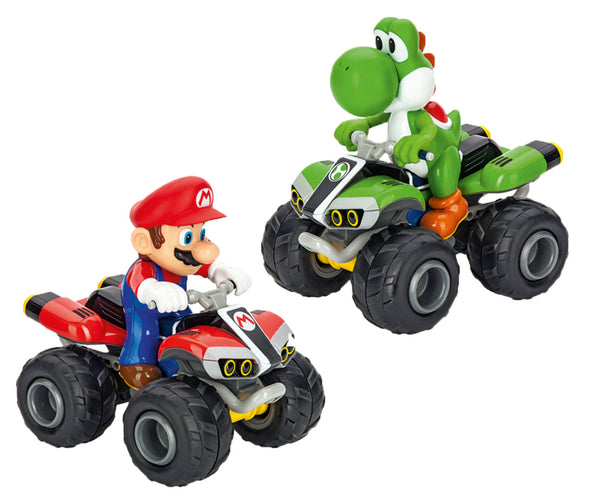
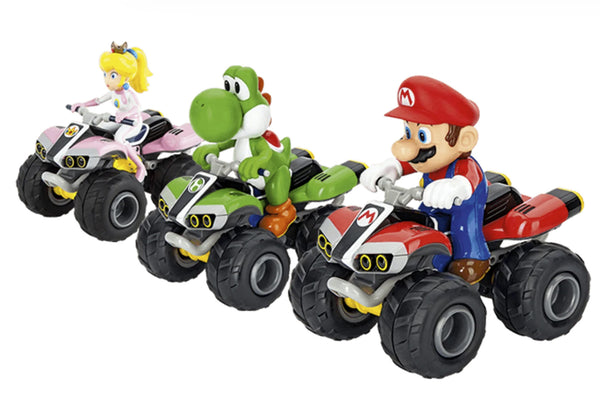
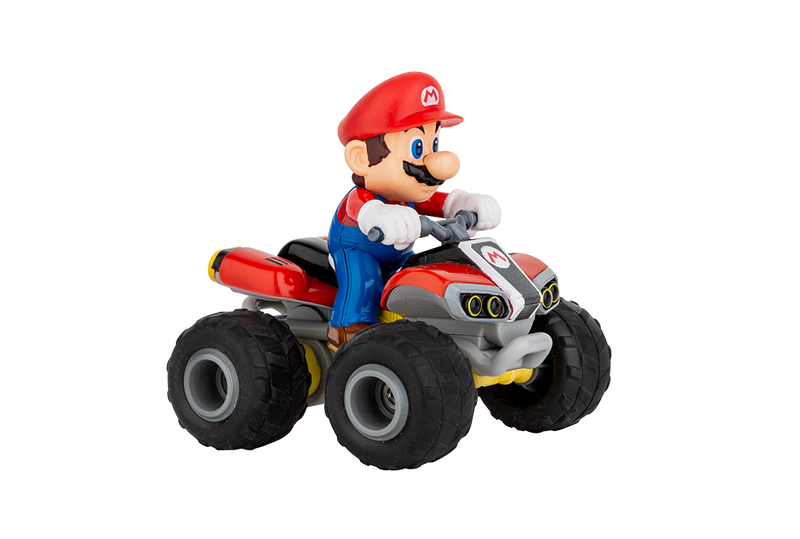
Mario™ Quads - Offroad vehicles

Mario™ Quads - Offroad vehicles

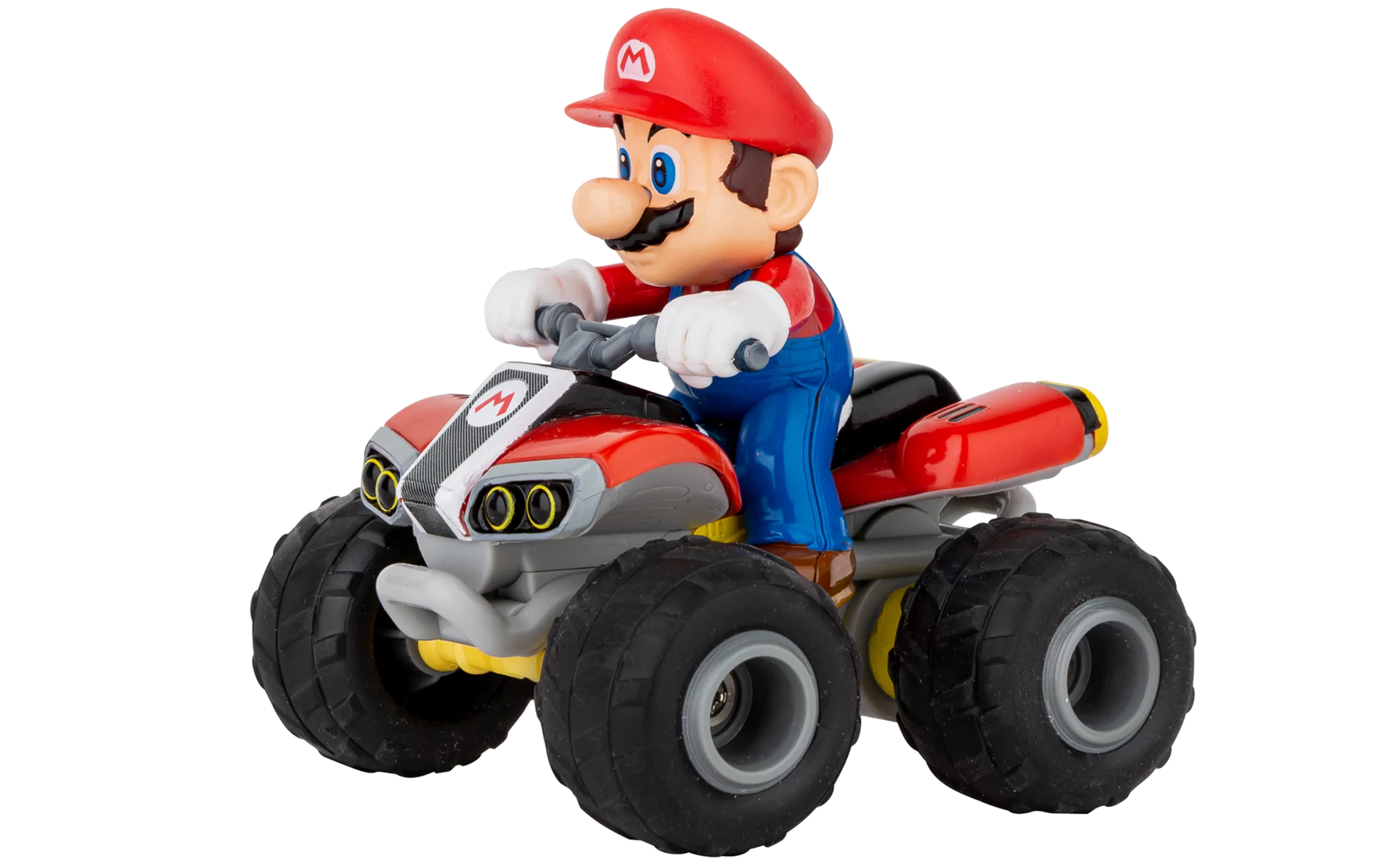
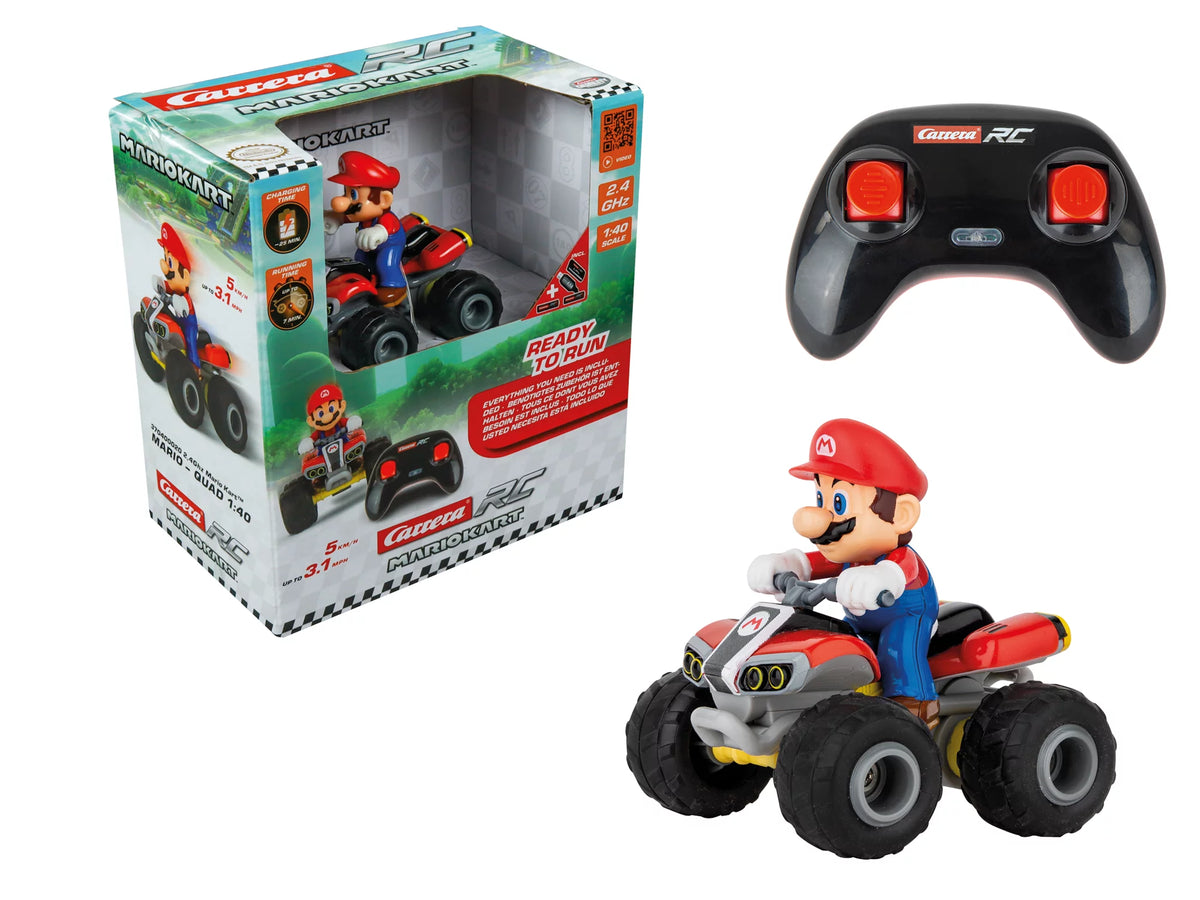
Mario, Yoshi and Peach really step on the gas with these off-road vehicles! The full-suspension quads with large tires and detailed figures are sure to impress.
Are you ready for the adventure? The Carrera RC Nintendo Mario Karts™ 8 are, because they are always 'Ready to Run' for new adventures at home or outdoors.

NOT YET DECIDED?

Fast, faster, Carrera. Start searching for the right remote-controlled vehicle now!

Frequently asked questions

Didn't find the answer you were looking for in the FAQ, or would you like to learn more about our RC products? Our customer service team is here to help—quickly, professionally, and personally. Whether you have questions about technical details, need replacement parts, or want tips on how to use our products, we're here for you.

Support around the clock

Telephone

Monday to Thursday 09:00 to 15:00, Friday 09:00 to 12:00
RC General Vehicles Boats Aircraft

RC General

Both controllers and replacement parts for controllers (antennas, joysticks, joystick extensions, and battery compartment covers) are available in ouronline store.

Please note that antennas are not included with the controllers. They can be purchased in theonline store.

No, please use only the original Carrera RC Li-ion batteries. This is the only way to ensure proper operation. You can find all batteries and compatible chargers in our online shop.

For 2.4 GHz D/P models,
please follow these startup steps:
1) Turn on the transmitter
. 2) Then turn on the model
. When turning off the equipment after driving or flying, please follow the reverse order.


For 27 MHz models
, please check whether the transmitter antenna is faulty or has not been fully extended. If there is another RC model nearby, make sure it is not using the same frequency. If so, please change the frequency.

Vehicles

Check that the antenna on the controller is screwed in as far as it will go. Then pull the antenna all the way out. For the antenna on the vehicle, use the transparent antenna tube included in the package (depending on the model).

Open the vehicle chassis and clean the axles of dust and hair. Also apply a drop of oil (resin- and acid-free grease) to the axles.

Carrera If, while operating the Carrera2.4 GHz DIGITAL-PROPORTIONAL RC car, you notice Carrerathat the car is moving forward or backward on its own, you can stop it as follows:
1) Turn the car over so that the wheels are in the air.
2) First,
turn the car on using the ON/OFF switch. The LED on the top of the vehicle will flash rhythmically. Turn on the controller. The LED on the controller will flash rhythmically. After a few seconds, the LEDs on the vehicle and the controller will remain lit. Pairing is now complete.
3) Press the button on the upper right side of the controller for about two seconds. Calibration mode is active as soon as the controller LED flashes. (See image)
4) Forward or reverse movement can be stopped using the left joystick.
5) To complete the calibration process, press the button on the upper right side of the controller again for about two seconds—the LED will now remain lit.

Follow these steps if your 2.4 GHz DIGITAL-PROPORTIONAL model pulls to the right or left:
1) Turn the vehicle over so that the wheels are in the air.
2) First,
turn the vehicle on using the ON/OFF switch. The LED on the top of the vehicle will flash rhythmically. Then turn on the controller. The LED on the controller will flash rhythmically. After a few seconds, the LEDs on the vehicle and the controller will remain lit. Pairing is complete.
3) Press the button on the upper right side of the controller for about 2 seconds. Calibration mode is active as soon as the controller LED flashes. (See image)
4) Straight-line stability can be adjusted using the right joystick.
5) To finish the calibration process, press the button on the upper right side of the controller again for about two seconds—the LED will then remain lit.

Yes, it is recommended Carrera that you clean the CarreraRC car after driving it to ensure it runs smoothly. Please make sure not to use any harsh solvents.

For 2.4 GHz Digital Proportional Models:
: Carrera The RC vehicle and the controller are factory-paired. If you Carrera experience communication issues between the Carrera RC vehicle and the controller at the start Carrera , please perform a new pairing. Press and Carrerahold the pairing button on the underside of the chassis Carrerafor at least 3 seconds to Carrerare-pair the CarreraRC vehicle and the controller. Please note that both the controller and the Carrera RC vehicle must be turned on using the ON/OFF switch.
For 27 MHz models :
: Make sure that no one else in your driving area is using the same frequency. To avoid this and ensure that the CarreraRC vehicle can be controlled by the controller, make sure that the same frequency (A/B/C) is set on both the vehicle and the controller.The vehicle's frequency switch is located in the battery compartment, while the frequency switch on the controller is located on the top of the controller. Using different channels allows you to drive 3 vehicles at the same time.
The controller antenna should be fully extended. Then turn Carrera on the Carrera RC vehicle using the ON/OFF switch. The CarreraRC vehicle has two speeds: You can also switch to training or indoor mode using the ON/OFF switch.
For 2.4 GHz Servo Tronic models:
: First turn on the vehicle; the LED on the top of the vehicle will then flash rhythmically. You can then turn on the controller. Here, too, the LED will flash rhythmically for a few seconds. Once the vehicle and the controller are paired, the status LEDs on the vehicle and controller will remain lit.
Adjusting the steering: If Carrera, while operating the CarreraRC car, you notice Carrerathat the car is pulling to the right or left, you can correct the steering using the adjustment switch located on the underside of the car.

Follow these steps to Carreraproperly pair your Red Fibre® CarreraProfi® vehicle Carrera(370183002/370183001) with the controller:
1) First
, turn on the vehicle
. 2) Then turn on the controller. When the LEDs on the vehicle and the controller are lit steadily, the pairing process is complete.

You can find all replacement parts and accessories for the various Profi RC models in our online store by entering your model’s part number or name in the search field. All compatible replacement parts are displayed on the vehicle’s product detail page.

The exploded view makes it quick and easy to identify individual parts; please note that the exploded view is available exclusively for Profi models.

To Carrera start up your Carreraprofessional RC car, first turn it on using the ON/OFF switch. The LED on the car will flash rhythmically. Then turn on the controller. After a few seconds, the LEDs on the car and the controller will remain lit. Pairing is complete.
The ON/OFF switch is located on the left side of the car, right next to the battery compartment.

There is a sticker on the back of the controller and on the vehicle near the drive axle that indicates the correct frequency.

Boats

Let the water drain off and dry your boat thoroughly after use. Use regular tap water to clean your boat. The contacts of the water sensors should be treated regularly with vinegar cleaner to prevent corrosion. Make sure the vinegar cleaner does not come into contact with the propeller and rudder. This could cause permanent damage.

How to drain your boat properly:

Falshöft Coast Guard Boat (301001/301005)

Please open the two drain plugs at the bow and stern after every trip and drain any accumulated condensation if necessary. Please make sure to reinsert the drain plugs into their designated openings before each trip.

Ferrari Boat Arno XI (300005)

There is a drain plug at the stern. Open this after each trip to drain the condensation. Please make sure to reinsert the drain plug into the designated opening before every trip.

Power Wave (300001)

You will find the drain button on the underside of the boat, between the propeller and the sensor. Press it in with a blunt object until the condensation has drained from the boat. Since the drain button is spring-loaded, it will automatically return to its original position as soon as you stop pressing it.

Please note that, for safety reasons, the connection can only be made in the water. When starting up, turn on the controller first, then the boat. After the trip, follow the reverse order—turn off the boat first, then the controller.

Our boats are designed for use in fresh water with normal to moderate waves.
If your boat does come into contact with dirty or salty water, it must be thoroughly rinsed with plain tap water afterward.

If your boat or vehicle's battery has been connected properly and the charging process is proceeding normally, the red LED will remain lit. When the battery is fully charged, the red LED will turn green. The battery can then be removed and installed in the vehicle or boat.

Aircraft

If your micro quadcopter (502002) does not take off even though the battery is fully charged, please check that the 4 rotor blades are arranged correctly. The letters are stamped on the top of the rotor blades. It is important to position the A/D rotor blades and the B/C rotor blades correctly.

Before your first flight, please check whether model aircraft are subject to mandatory insurance in your country. For more information, contact the German Model Aircraft Association. You are not permitted to do the following with your model aircraft:

  • Fly near airports without permission (minimum distance 1.5 km)
  • Fly over crowds of people, military installations, hospitals, power plants, or correctional facilities—Please ensure that you maintain direct visual contact with the aircraft at all times.
  • Flying in windy or bad weather, or under the influence of drugs or alcohol, is prohibited.

Please follow these steps to properly pair the controller with your helicopter:
1. Turn on the helicopter.
2. Turn on the controller.
Exception: For the Sky Hunter (501001) and Red Eagle (501002),


follow these steps:
1. Turn
on the helicopter
.2. Press the right control stick on the controller, then turn it on.

Applies to the following helicopters:
Thunder Storm (501004)
, Helicopter (501007)
, Green Chopper (501003)
, Orange Sply (501005)
, Green Vecto (501008)
, Red Buzzer (500001)
, Micro Helicopter (502001)
Proper trim is essential for stable flight behavior of the helicopter. Adjusting the trim requires some patience and a feel for it.

Please note the following instructions:
Carefully move the throttle lever on the controller upward and let the helicopter climb to a height of approximately 0.3 to 0.8 meters.

If the helicopter is hovering in place and turning to the left or right without any movement of the tail (rotation) control stick, please proceed as follows: If the helicopter is turning on its own axis to the left, either quickly or slowly, gradually push the lower right tail (rotation) trimmer on the controller to the right. If the helicopter turns to the right, gradually push the tail trimmer (circular rotation) to the left.

If the helicopter flies forward or backward while hovering without any movement of the forward/backward stick, please proceed as follows: If the helicopter moves forward on its own, either quickly or slowly, gradually push the upper right forward/backward trim on the controller downward. If the helicopter moves backward, gradually push the forward/backward trim upward.

Applies to the following helicopters:
Sky Hunter (501001)
, Spider Fox (501006)
. Proper trim is essential for stable flight performance. Adjusting the trim requires some patience and a feel for the controls.

Please note the following instructions:
Carefully move the throttle lever on the controller upward and let the helicopter climb to a height of approximately 0.3 to 0.8 meters.

If the helicopter drifts to the left or right while hovering without any movement of the left/right roll stick, please proceed as follows: If the helicopter drifts sideways to the left on its own, either quickly or slowly, gradually push the lower right left/right roll trimmer on the controller to the right. If the helicopter moves to the right, push the right/left trim control gradually to the left.

If the helicopter spins in place to the left or right while hovering, without any movement of the tail (yaw) stick, please proceed as follows: If the helicopter spins on its own—either quickly or slowly—to the left around its own axis, gradually push the lower left tail (yaw) trimmer on the controller to the right. If the helicopter turns to the right, gradually push the tail (yaw) trimmer on the controller to the left.

If the helicopter moves forward or backward while hovering without any movement of the forward/backward stick, please proceed as follows: If the helicopter moves forward on its own, either quickly or slowly, gradually push the upper right forward/backward trim on the controller downward. If the helicopter moves backward, gradually push the forward/backward trim upward.

Sign up for the newsletter now<tamp>and get a €10.00 gift card!</tamp>