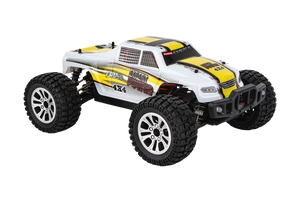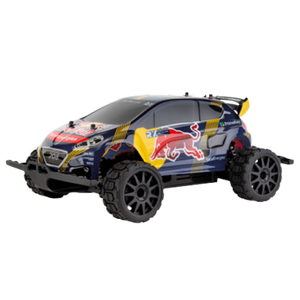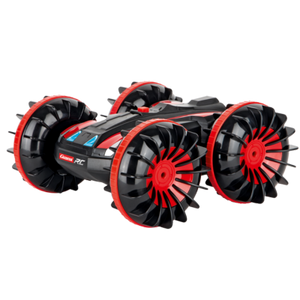













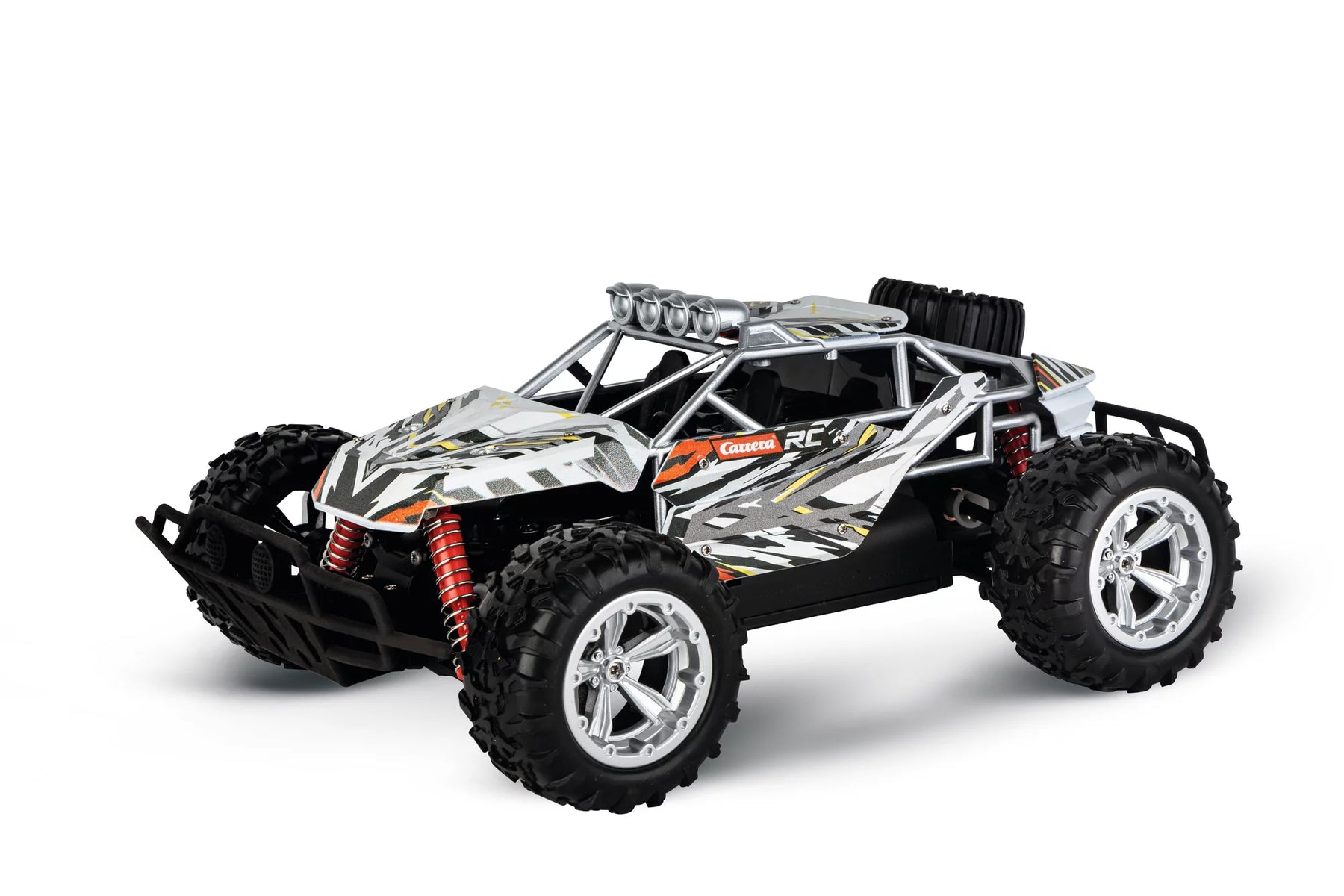
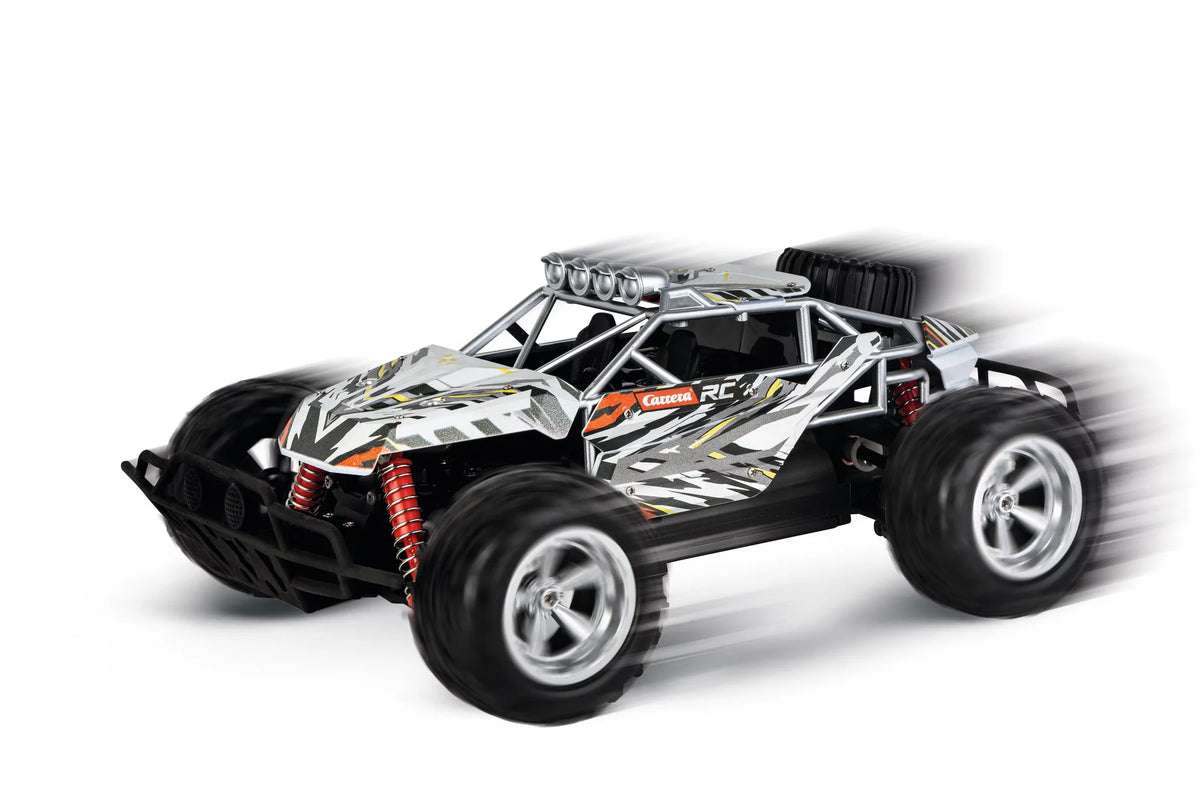
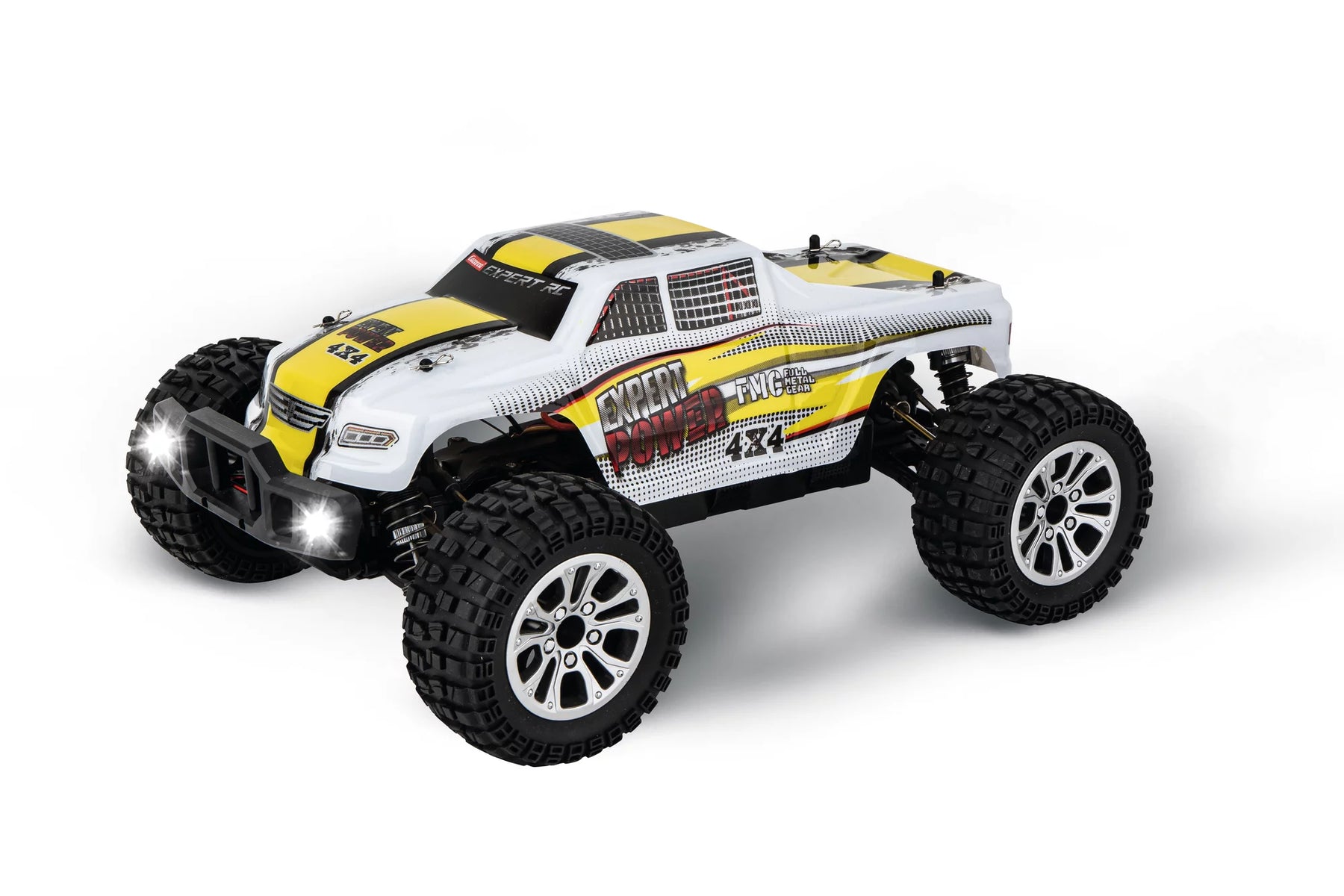
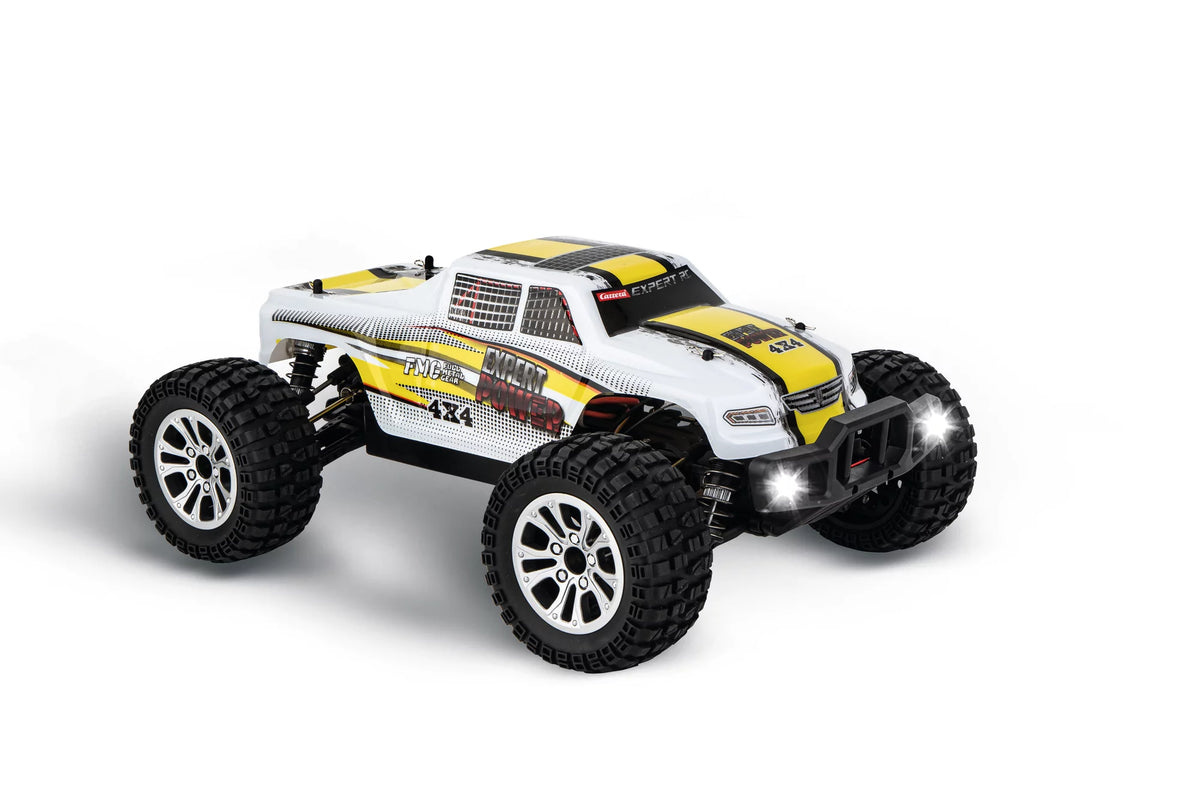
Carrera RC Buggies: Remote-controlled off-road cars for off-road racing

<tc>Carrera</tc> RC buggies stand for dynamic off-road action and real off-road driving fun. The remote-controlled vehicles impress with robust construction, sporty design and strong performance on a wide variety of surfaces. Whether gravel, meadow or playground - RC buggies master changing terrain and ensure varied off-road driving experiences. Thanks to modern control technology, reliable control and long ride times, you can perform precise maneuvers, fast sprints or try out small jumps. <tc>Carrera</tc> RC buggies thus offer the perfect combination of racing feeling, off-road capability and action for beginners and experienced RC fans.

Mehr über Carrera Buggies erfahren
Sort by:
Sort by:
Bestseller
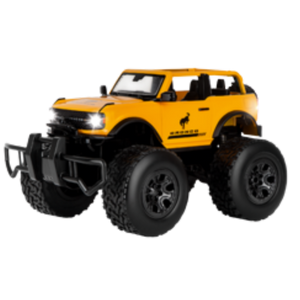
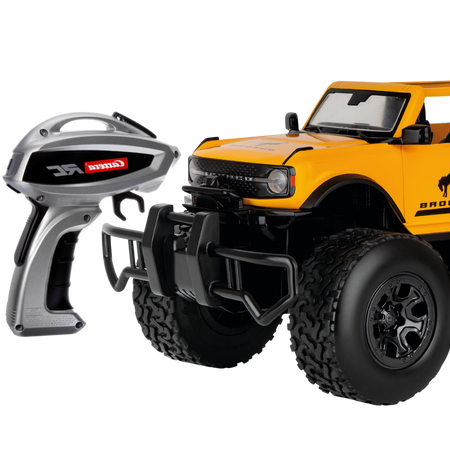
2,4GHz Ford Bronco2,4GHz Ford Bronco
6+ 6+
Art. Nr 370142045 2.4GHz Ford Bronco
Offer price€46,66 EUR Regular price€79,99 EUR
Bestseller
2,4GHz Offroad Pickup - Carrera Expert RC2,4GHz Offroad Pickup - Carrera Expert RC
14+ 14+
Art. Nr 370102001 2.4 GHz Off-Road Pickup - Carrera Expert RC
Offer price€93,33 EUR Regular price€159,99 EUR
2,4GHz Mountain Cougar2,4GHz Mountain Cougar
6+ 6+
Art. Nr 370180018 2.4GHz Mountain Cougar
Offer price€37,49 EUR Regular price€44,99 EUR
Bestseller
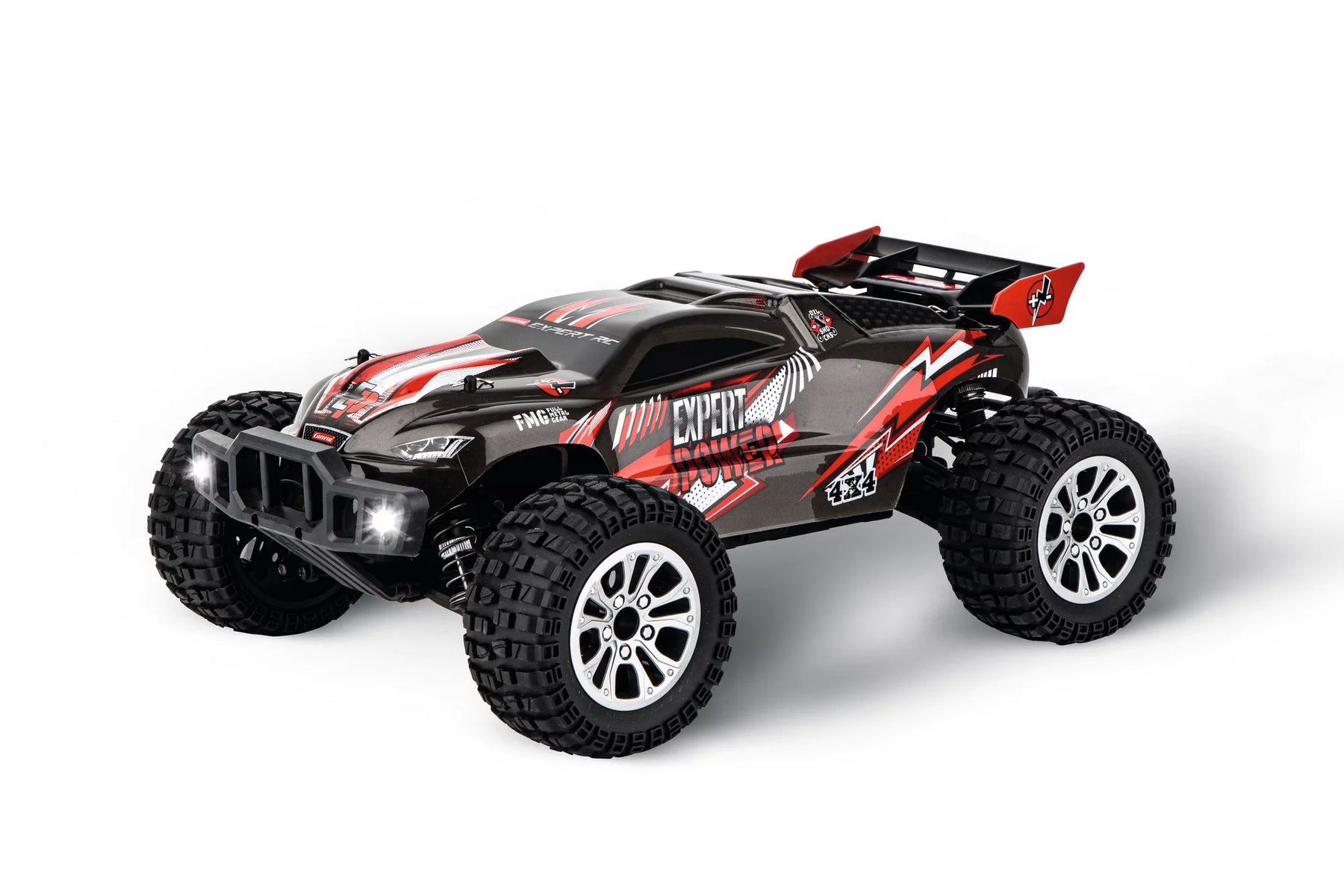
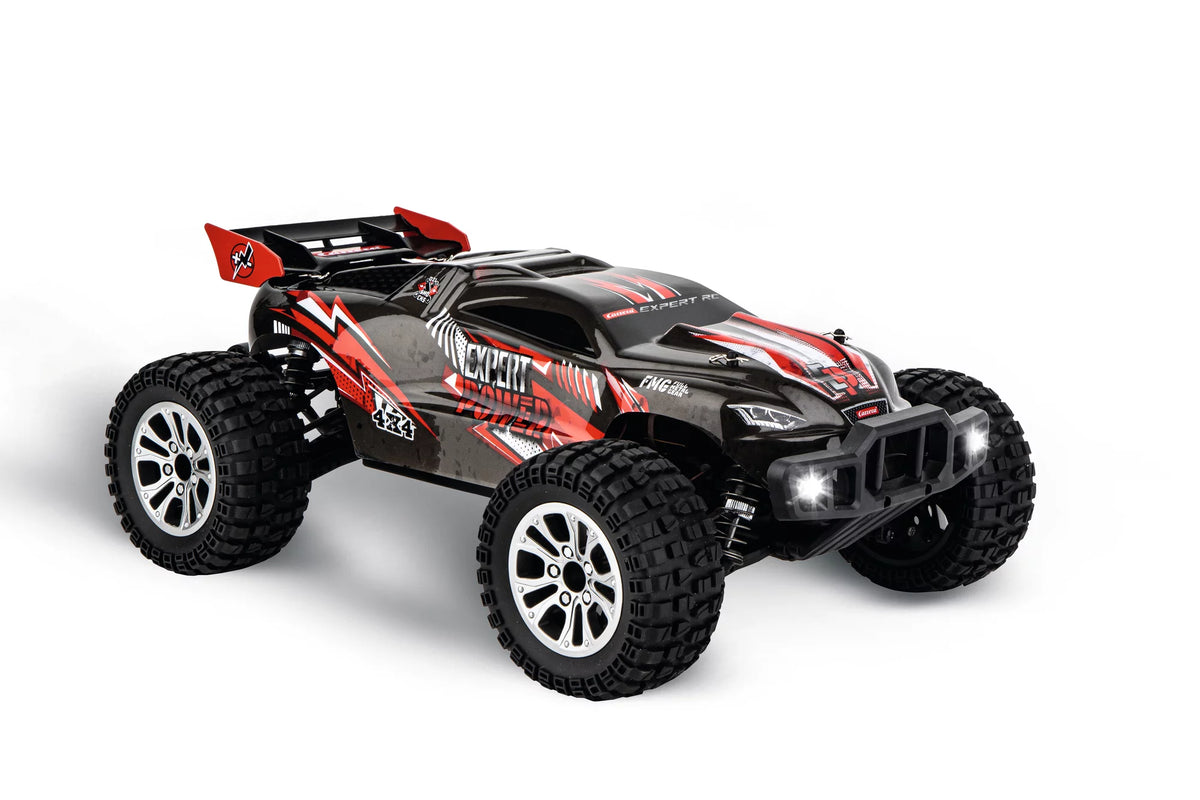
2,4GHz Brushless Buggy - Carrera Expert RC2,4GHz Brushless Buggy - Carrera Expert RC
14+ 14+
Art. Nr 370102201 2.4 GHz Brushless Buggy - Carrera Expert RC
Offer price€151,66 EUR Regular price€259,99 EUR
2,4GHz Lime Buggy2,4GHz Lime Buggy
6+ 6+
Art. Nr 370200001 2.4GHz Lime Buggy
Offer price€26,99 EUR Regular price€29,99 EUR
2.4 GHz Bone Racer - <tc>Carrera</tc> Professional
14+ 14+
Art. Nr 370102013 2.4 GHz Bone Racer - Carrera Professional
Offer price€99,99 EUR
Sold out
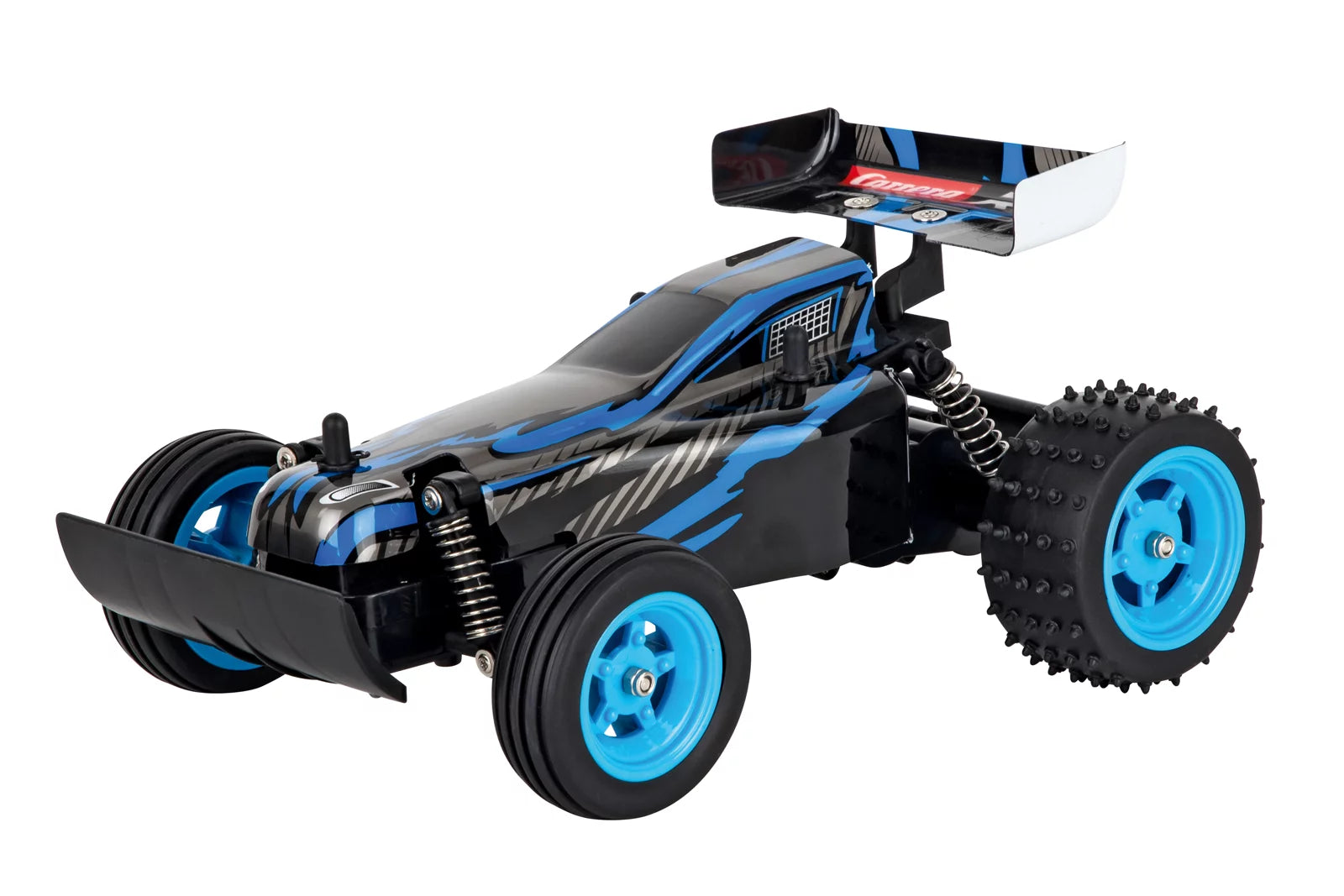
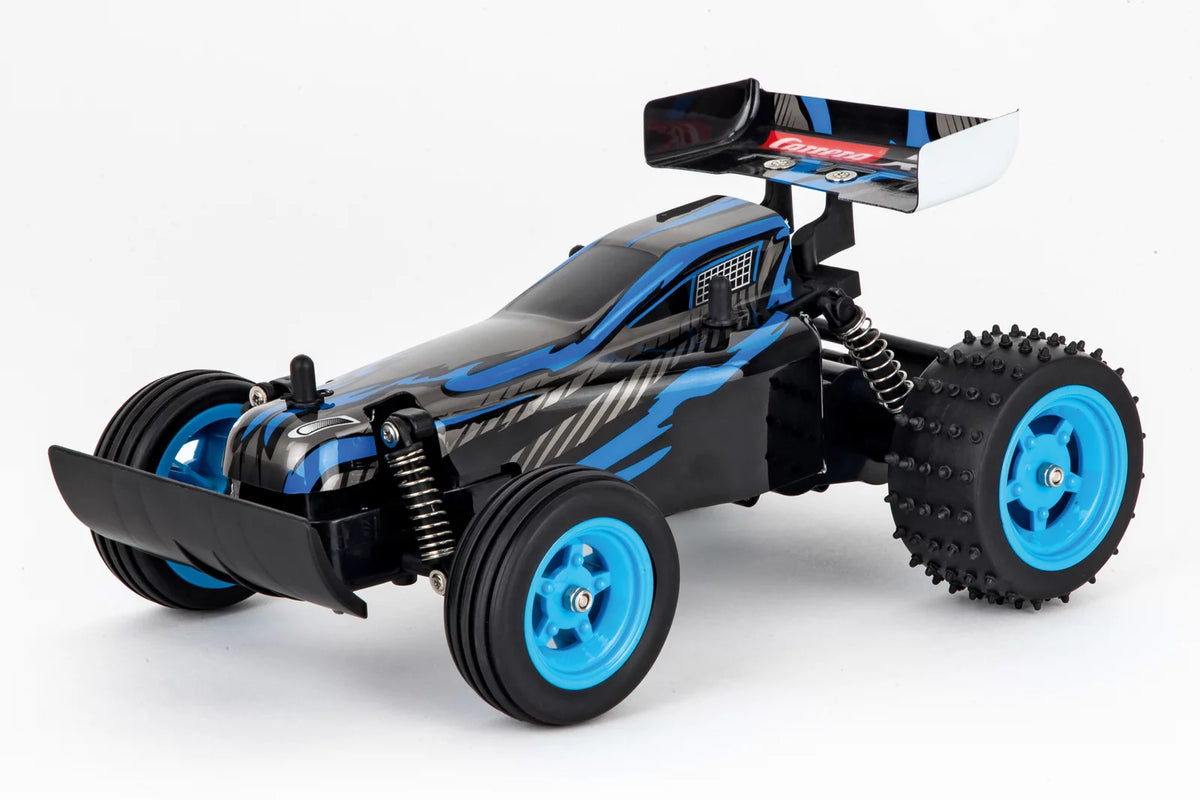
2,4GHz RC Race Buggy, blau2,4GHz RC Race Buggy, blau
6+ 6+
Art. Nr 370180013 2.4GHz RC Race Buggy, blue
Offer price€37,99 EUR
Sold out
Sold out
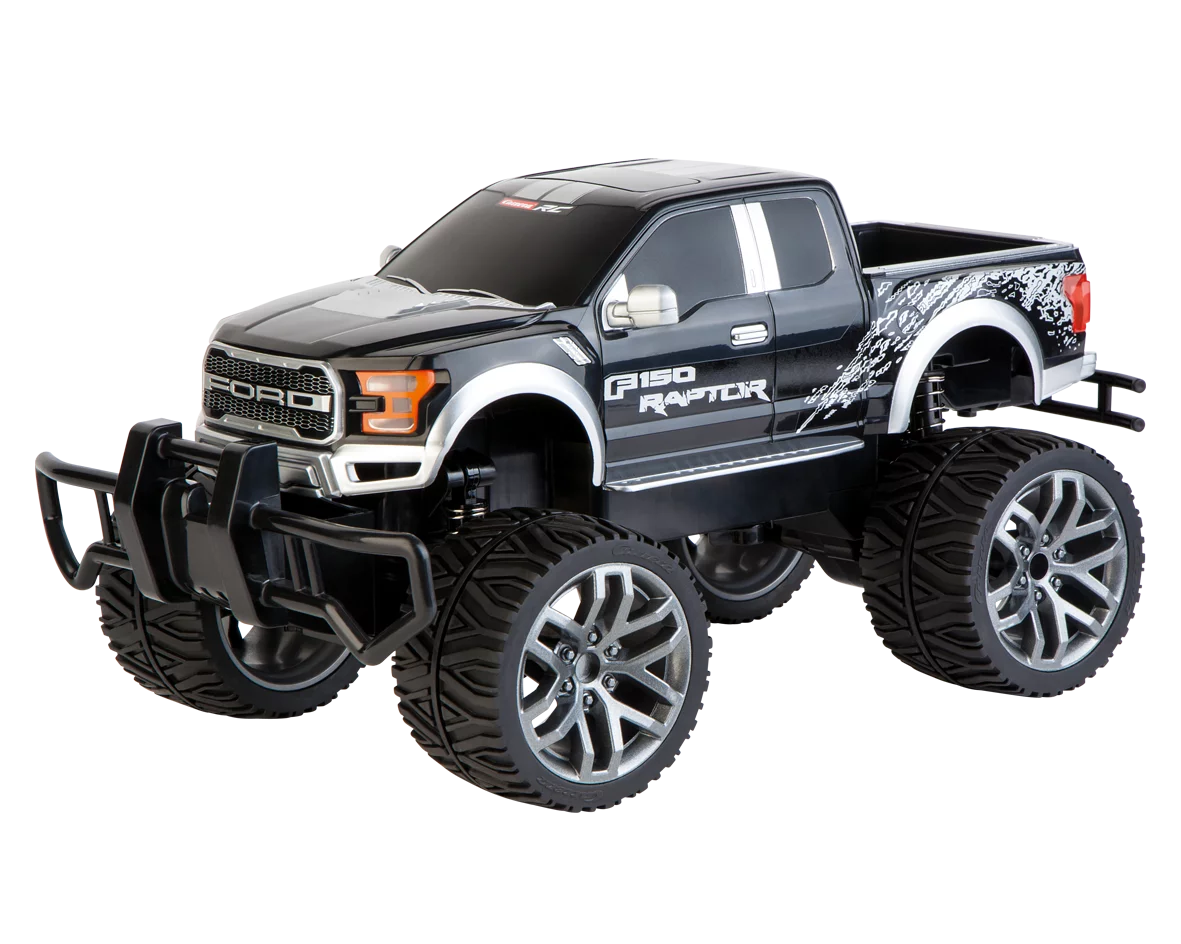
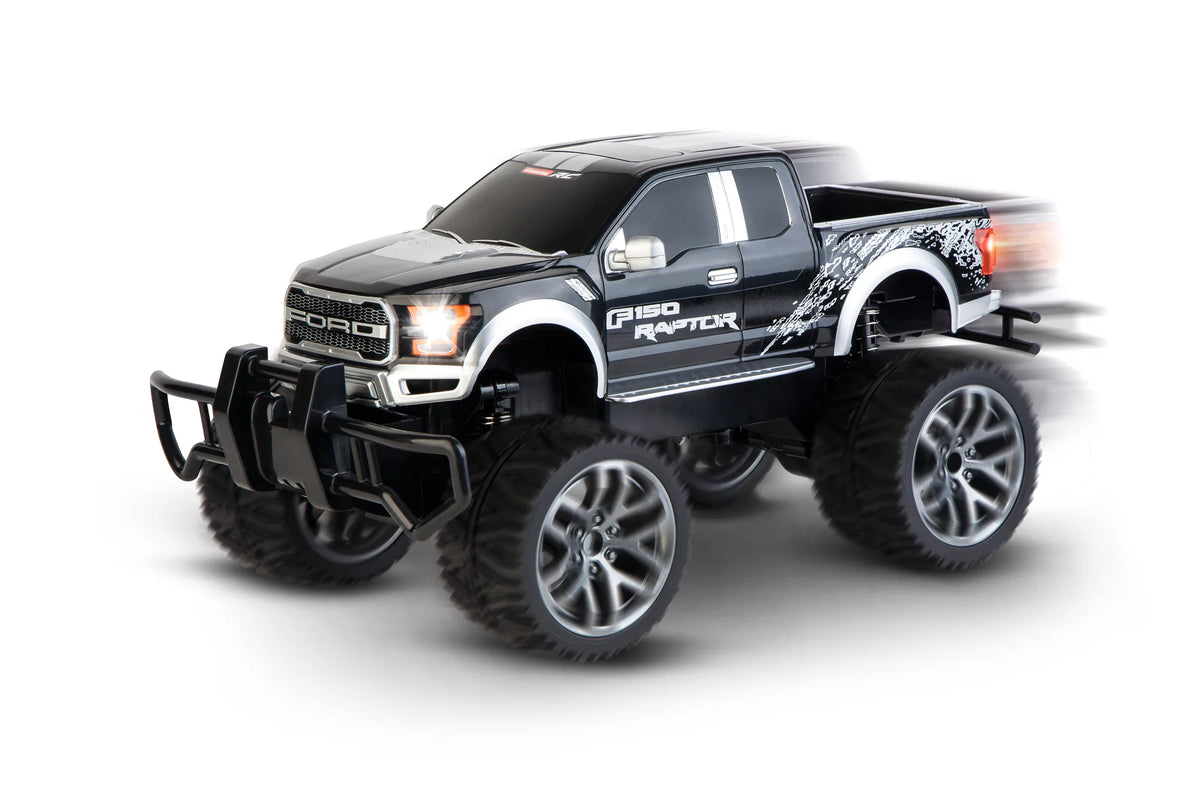
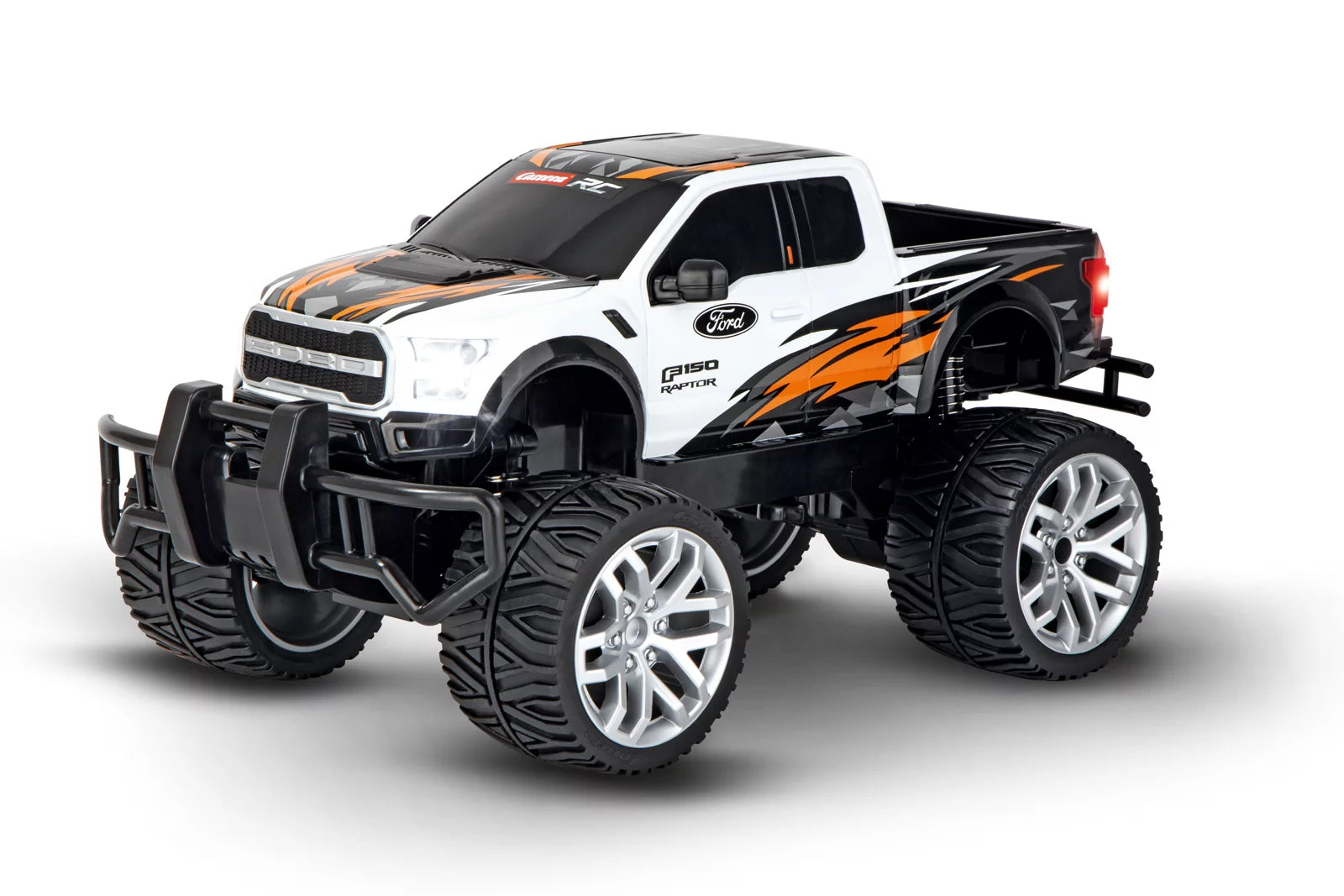
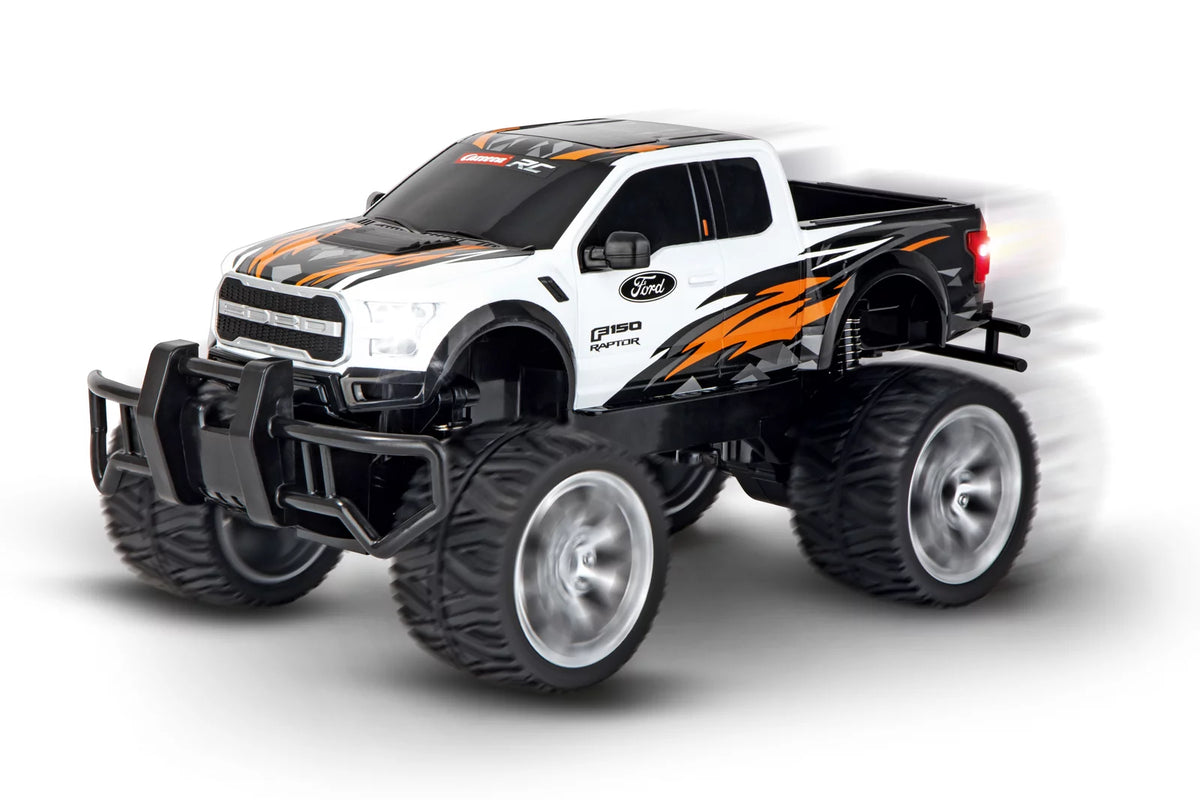
2,4GHz Ford F-150 Raptor, schwarz2,4GHz Ford F-150 Raptor, schwarz
6+ 6+
Art. Nr 370142027X 2.4GHz Ford F-150 Raptor, black
Offer price€89,95 EUR
Sold out
Sold out
2,4GHz Passion Impact 2.02,4GHz Passion Impact 2.0
6+ 6+
Art. Nr 370160147 2.4GHz Passion Impact 2.0
Offer price€74,99 EUR
Sold out
Sold out
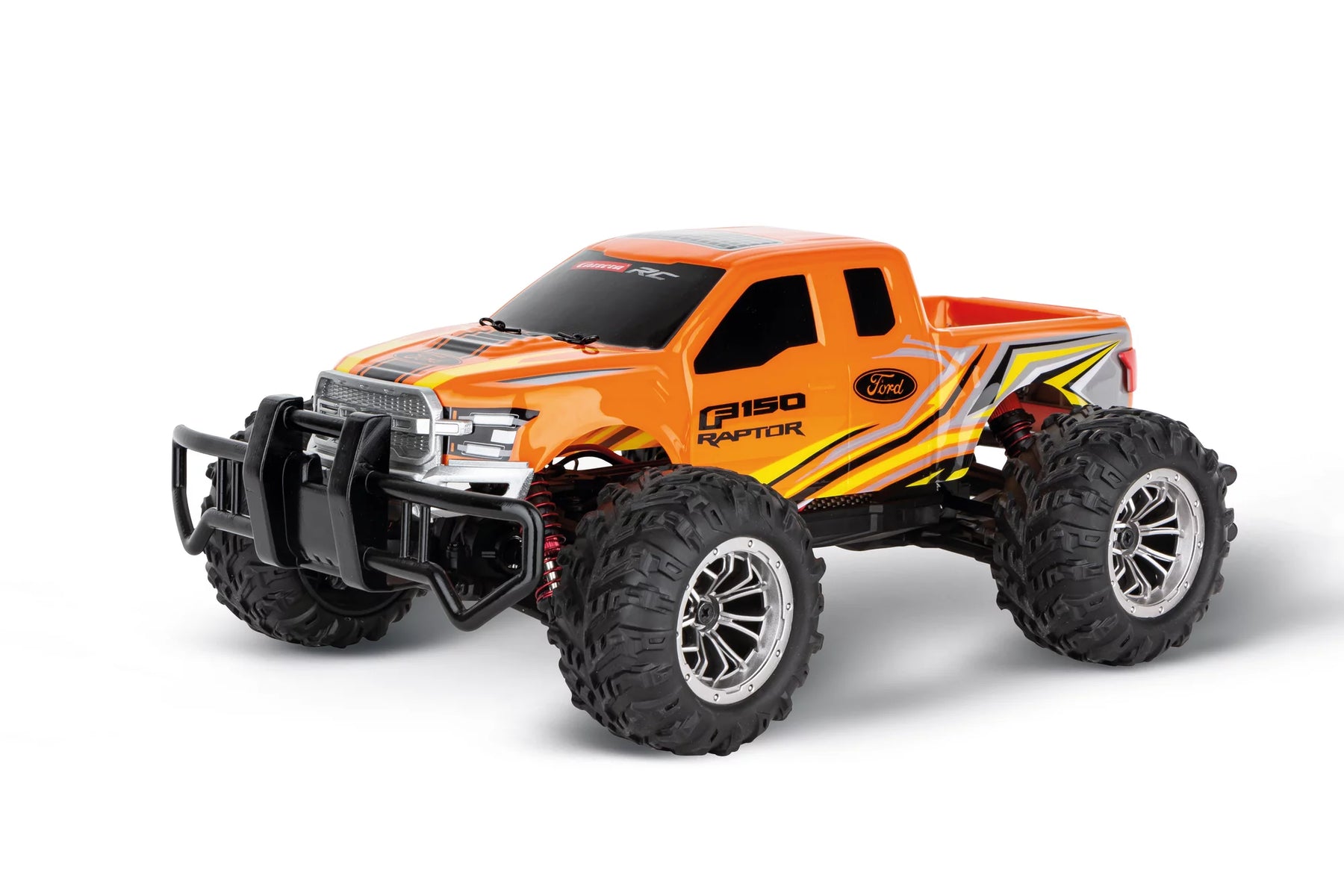
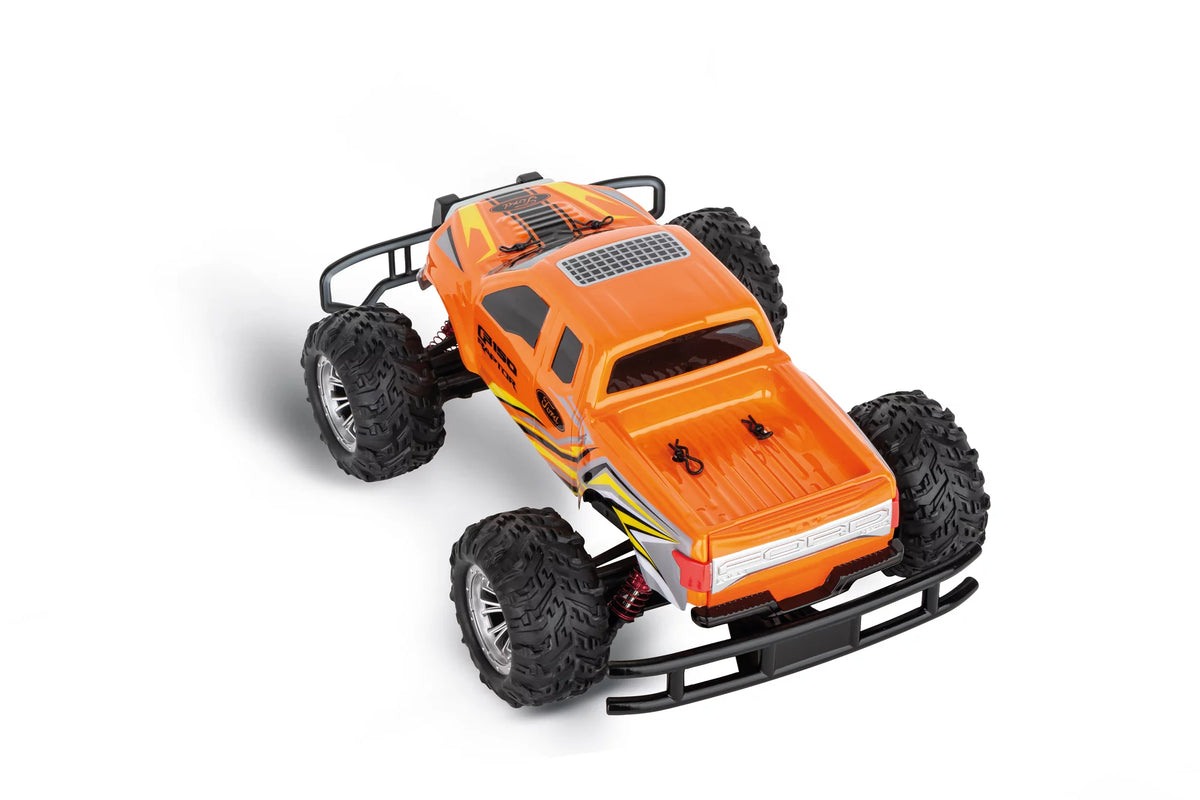
2,4GHz Ford F-150 Raptor D/P2,4GHz Ford F-150 Raptor D/P
8+ 8+
Art. Nr 370162126 2.4GHz Ford F-150 Raptor D/P
Offer price€52,50 EUR Regular price€89,99 EUR
Sold out

Why are <tc>Carrera</tc> RC buggies perfect for off-road driving?

Sprünge, Kurven, Action: gemacht für echtes Offroad Racing

Carrera RC Buggies bringen dir Offroad-Feeling, das du sofort spürst: schnelle Richtungswechsel, staubige Drifts und kleine Sprünge gehören hier einfach dazu. Durch ihre Buggy-Bauweise wirken die Fahrzeuge sportlich, agil und besonders wendig – ideal für alle, die Action nicht nur auf geraden Strecken wollen. Egal ob im Garten, auf dem Spielplatz oder auf Schotter: Ein RC Buggy sorgt für Fahrspaß, der draußen richtig lebendig wird.

Mehr Kontrolle im Gelände dank Grip, Federung & stabilem Design

Damit du auch auf unebenem Untergrund souverän unterwegs bist, bieten Carrera RC Buggies ein Fahrgefühl mit viel Kontrolle. Griffige Reifen, robuste Komponenten und eine geländetaugliche Konstruktion sorgen dafür, dass du Hindernisse meisterst und dein Buggy stabil bleibt – auch wenn es mal wilder wird. So bekommst du die perfekte Mischung aus Racing-Feeling und Offroad-Tauglichkeit – für Einsteiger genauso wie für erfahrene RC-Fans.

Carrera RC Buggies: Remote-controlled off-road cars for a racing experience in the great outdoors
Maneuverable, fast, agile: buggies for dynamic off-road maneuvers

Maneuverable, fast, agile: buggies for dynamic off-road maneuvers

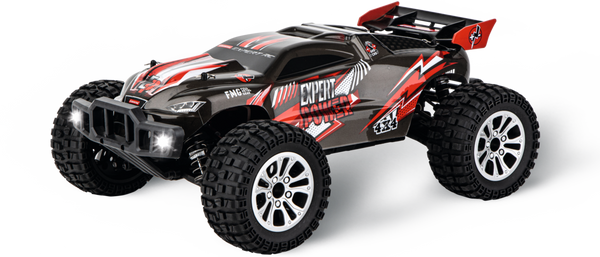
If you love fast turns and spontaneous changes of direction, RC buggies are just your thing. Thanks to their sporty design, they feel particularly agile and bring a racing feeling to the terrain that is an instant hit. Whether on dusty paths or uneven ground - your buggy keeps moving and makes every ride varied. If you want to discover even more models, you can find them in our category Ferngesteuert more vehicles for action fans.

Offroad-Action draußen: der perfekte Begleiter für jedes Abenteuer

Offroad-Action draußen: der perfekte Begleiter für jedes Abenteuer

Ein Carrera RC Buggy ist wie gemacht für Outdoor-Spaß: rausgehen, Strecke suchen, losfahren. Egal ob Wiese, Schotter oder festgefahrener Boden – im Gelände zeigen die Fahrzeuge, was sie können. So wird jeder Ausflug nach draußen zur kleinen Rennsession mit Freunden oder Familie. Passend dazu kannst du dein Setup jederzeit erweitern – Zubehör findest du direkt bei Zubehör & Ersatzteilen.

Robust gebaut: bereit für Sprünge, Unebenheiten und harte Strecken

Robust gebaut: bereit für Sprünge, Unebenheiten und harte Strecken

Im Gelände ist nicht alles glatt – und genau dafür sind Carrera RC Buggies gebaut. Stabile Karosserien und geländetaugliche Komponenten sorgen dafür, dass dein Fahrzeug auch bei intensiven Fahrten zuverlässig bleibt. Perfekt, wenn du nicht nur vorsichtig cruisen willst, sondern richtig Action suchst. Für alle, die noch mehr Performance möchten, lohnt sich außerdem ein Blick auf Carrera Expert RC & Carrera Profi RC.

NOT YET DECIDED?

Fast, faster, Carrera. Start searching for the right remote-controlled vehicle now!

Frequently asked questions

Didn't find the answer you were looking for in the FAQ, or would you like to learn more about our RC products? Our customer service team is here to help—quickly, professionally, and personally. Whether you have questions about technical details, need replacement parts, or want tips on how to use our products, we're here for you.

Support around the clock

Telephone

Monday to Thursday 09:00 to 15:00, Friday 09:00 to 12:00
RC General Vehicles Boats Aircraft

RC General

Both controllers and replacement parts for controllers (antennas, joysticks, joystick extensions, and battery compartment covers) are available in ouronline store.

Please note that antennas are not included with the controllers. They can be purchased in theonline store.

No, please use only the original Carrera RC Li-ion batteries. This is the only way to ensure proper operation. You can find all batteries and compatible chargers in our online shop.

For 2.4 GHz D/P models,
please follow these startup steps:
1) Turn on the transmitter
. 2) Then turn on the model
. When turning off the equipment after driving or flying, please follow the reverse order.


For 27 MHz models
, please check whether the transmitter antenna is faulty or has not been fully extended. If there is another RC model nearby, make sure it is not using the same frequency. If so, please change the frequency.

Vehicles

Check that the antenna on the controller is screwed in as far as it will go. Then pull the antenna all the way out. For the antenna on the vehicle, use the transparent antenna tube included in the package (depending on the model).

Open the vehicle chassis and clean the axles of dust and hair. Also apply a drop of oil (resin- and acid-free grease) to the axles.

Carrera If, while operating the Carrera2.4 GHz DIGITAL-PROPORTIONAL RC car, you notice Carrerathat the car is moving forward or backward on its own, you can stop it as follows:
1) Turn the car over so that the wheels are in the air.
2) First,
turn the car on using the ON/OFF switch. The LED on the top of the vehicle will flash rhythmically. Turn on the controller. The LED on the controller will flash rhythmically. After a few seconds, the LEDs on the vehicle and the controller will remain lit. Pairing is now complete.
3) Press the button on the upper right side of the controller for about two seconds. Calibration mode is active as soon as the controller LED flashes. (See image)
4) Forward or reverse movement can be stopped using the left joystick.
5) To complete the calibration process, press the button on the upper right side of the controller again for about two seconds—the LED will now remain lit.

Follow these steps if your 2.4 GHz DIGITAL-PROPORTIONAL model pulls to the right or left:
1) Turn the vehicle over so that the wheels are in the air.
2) First,
turn the vehicle on using the ON/OFF switch. The LED on the top of the vehicle will flash rhythmically. Then turn on the controller. The LED on the controller will flash rhythmically. After a few seconds, the LEDs on the vehicle and the controller will remain lit. Pairing is complete.
3) Press the button on the upper right side of the controller for about 2 seconds. Calibration mode is active as soon as the controller LED flashes. (See image)
4) Straight-line stability can be adjusted using the right joystick.
5) To finish the calibration process, press the button on the upper right side of the controller again for about two seconds—the LED will then remain lit.

Yes, it is recommended Carrera that you clean the CarreraRC car after driving it to ensure it runs smoothly. Please make sure not to use any harsh solvents.

For 2.4 GHz Digital Proportional Models:
: Carrera The RC vehicle and the controller are factory-paired. If you Carrera experience communication issues between the Carrera RC vehicle and the controller at the start Carrera , please perform a new pairing. Press and Carrerahold the pairing button on the underside of the chassis Carrerafor at least 3 seconds to Carrerare-pair the CarreraRC vehicle and the controller. Please note that both the controller and the Carrera RC vehicle must be turned on using the ON/OFF switch.
For 27 MHz models :
: Make sure that no one else in your driving area is using the same frequency. To avoid this and ensure that the CarreraRC vehicle can be controlled by the controller, make sure that the same frequency (A/B/C) is set on both the vehicle and the controller.The vehicle's frequency switch is located in the battery compartment, while the frequency switch on the controller is located on the top of the controller. Using different channels allows you to drive 3 vehicles at the same time.
The controller antenna should be fully extended. Then turn Carrera on the Carrera RC vehicle using the ON/OFF switch. The CarreraRC vehicle has two speeds: You can also switch to training or indoor mode using the ON/OFF switch.
For 2.4 GHz Servo Tronic models:
: First turn on the vehicle; the LED on the top of the vehicle will then flash rhythmically. You can then turn on the controller. Here, too, the LED will flash rhythmically for a few seconds. Once the vehicle and the controller are paired, the status LEDs on the vehicle and controller will remain lit.
Adjusting the steering: If Carrera, while operating the CarreraRC car, you notice Carrerathat the car is pulling to the right or left, you can correct the steering using the adjustment switch located on the underside of the car.

Follow these steps to Carreraproperly pair your Red Fibre® CarreraProfi® vehicle Carrera(370183002/370183001) with the controller:
1) First
, turn on the vehicle
. 2) Then turn on the controller. When the LEDs on the vehicle and the controller are lit steadily, the pairing process is complete.

You can find all replacement parts and accessories for the various Profi RC models in our online store by entering your model’s part number or name in the search field. All compatible replacement parts are displayed on the vehicle’s product detail page.

The exploded view makes it quick and easy to identify individual parts; please note that the exploded view is available exclusively for Profi models.

To Carrera start up your Carreraprofessional RC car, first turn it on using the ON/OFF switch. The LED on the car will flash rhythmically. Then turn on the controller. After a few seconds, the LEDs on the car and the controller will remain lit. Pairing is complete.
The ON/OFF switch is located on the left side of the car, right next to the battery compartment.

There is a sticker on the back of the controller and on the vehicle near the drive axle that indicates the correct frequency.

Boats

Let the water drain off and dry your boat thoroughly after use. Use regular tap water to clean your boat. The contacts of the water sensors should be treated regularly with vinegar cleaner to prevent corrosion. Make sure the vinegar cleaner does not come into contact with the propeller and rudder. This could cause permanent damage.

How to drain your boat properly:

Falshöft Coast Guard Boat (301001/301005)

Please open the two drain plugs at the bow and stern after every trip and drain any accumulated condensation if necessary. Please make sure to reinsert the drain plugs into their designated openings before each trip.

Ferrari Boat Arno XI (300005)

There is a drain plug at the stern. Open this after each trip to drain the condensation. Please make sure to reinsert the drain plug into the designated opening before every trip.

Power Wave (300001)

You will find the drain button on the underside of the boat, between the propeller and the sensor. Press it in with a blunt object until the condensation has drained from the boat. Since the drain button is spring-loaded, it will automatically return to its original position as soon as you stop pressing it.

Please note that, for safety reasons, the connection can only be made in the water. When starting up, turn on the controller first, then the boat. After the trip, follow the reverse order—turn off the boat first, then the controller.

Our boats are designed for use in fresh water with normal to moderate waves.
If your boat does come into contact with dirty or salty water, it must be thoroughly rinsed with plain tap water afterward.

If your boat or vehicle's battery has been connected properly and the charging process is proceeding normally, the red LED will remain lit. When the battery is fully charged, the red LED will turn green. The battery can then be removed and installed in the vehicle or boat.

Aircraft

If your micro quadcopter (502002) does not take off even though the battery is fully charged, please check that the 4 rotor blades are arranged correctly. The letters are stamped on the top of the rotor blades. It is important to position the A/D rotor blades and the B/C rotor blades correctly.

Before your first flight, please check whether model aircraft are subject to mandatory insurance in your country. For more information, contact the German Model Aircraft Association. You are not permitted to do the following with your model aircraft:

  • Fly near airports without permission (minimum distance 1.5 km)
  • Fly over crowds of people, military installations, hospitals, power plants, or correctional facilities—Please ensure that you maintain direct visual contact with the aircraft at all times.
  • Flying in windy or bad weather, or under the influence of drugs or alcohol, is prohibited.

Please follow these steps to properly pair the controller with your helicopter:
1. Turn on the helicopter.
2. Turn on the controller.
Exception: For the Sky Hunter (501001) and Red Eagle (501002),


follow these steps:
1. Turn
on the helicopter
.2. Press the right control stick on the controller, then turn it on.

Applies to the following helicopters:
Thunder Storm (501004)
, Helicopter (501007)
, Green Chopper (501003)
, Orange Sply (501005)
, Green Vecto (501008)
, Red Buzzer (500001)
, Micro Helicopter (502001)
Proper trim is essential for stable flight behavior of the helicopter. Adjusting the trim requires some patience and a feel for it.

Please note the following instructions:
Carefully move the throttle lever on the controller upward and let the helicopter climb to a height of approximately 0.3 to 0.8 meters.

If the helicopter is hovering in place and turning to the left or right without any movement of the tail (rotation) control stick, please proceed as follows: If the helicopter is turning on its own axis to the left, either quickly or slowly, gradually push the lower right tail (rotation) trimmer on the controller to the right. If the helicopter turns to the right, gradually push the tail trimmer (circular rotation) to the left.

If the helicopter flies forward or backward while hovering without any movement of the forward/backward stick, please proceed as follows: If the helicopter moves forward on its own, either quickly or slowly, gradually push the upper right forward/backward trim on the controller downward. If the helicopter moves backward, gradually push the forward/backward trim upward.

Applies to the following helicopters:
Sky Hunter (501001)
, Spider Fox (501006)
. Proper trim is essential for stable flight performance. Adjusting the trim requires some patience and a feel for the controls.

Please note the following instructions:
Carefully move the throttle lever on the controller upward and let the helicopter climb to a height of approximately 0.3 to 0.8 meters.

If the helicopter drifts to the left or right while hovering without any movement of the left/right roll stick, please proceed as follows: If the helicopter drifts sideways to the left on its own, either quickly or slowly, gradually push the lower right left/right roll trimmer on the controller to the right. If the helicopter moves to the right, push the right/left trim control gradually to the left.

If the helicopter spins in place to the left or right while hovering, without any movement of the tail (yaw) stick, please proceed as follows: If the helicopter spins on its own—either quickly or slowly—to the left around its own axis, gradually push the lower left tail (yaw) trimmer on the controller to the right. If the helicopter turns to the right, gradually push the tail (yaw) trimmer on the controller to the left.

If the helicopter moves forward or backward while hovering without any movement of the forward/backward stick, please proceed as follows: If the helicopter moves forward on its own, either quickly or slowly, gradually push the upper right forward/backward trim on the controller downward. If the helicopter moves backward, gradually push the forward/backward trim upward.

Sign up for the newsletter now<tamp>and get a €10.00 gift card!</tamp>